A Beginner's Guide to Fireworks Photography
Taylor Nixon Photographer Relationship Manager, Narrative
Friday, August 22, 2025
Capturing a stunning fireworks display is less about quick reflexes and more about smart preparation.
If you’re like me, you’ve been at a show with family, pulled out your camera, and thought - dang, that really doesn’t capture the magic!
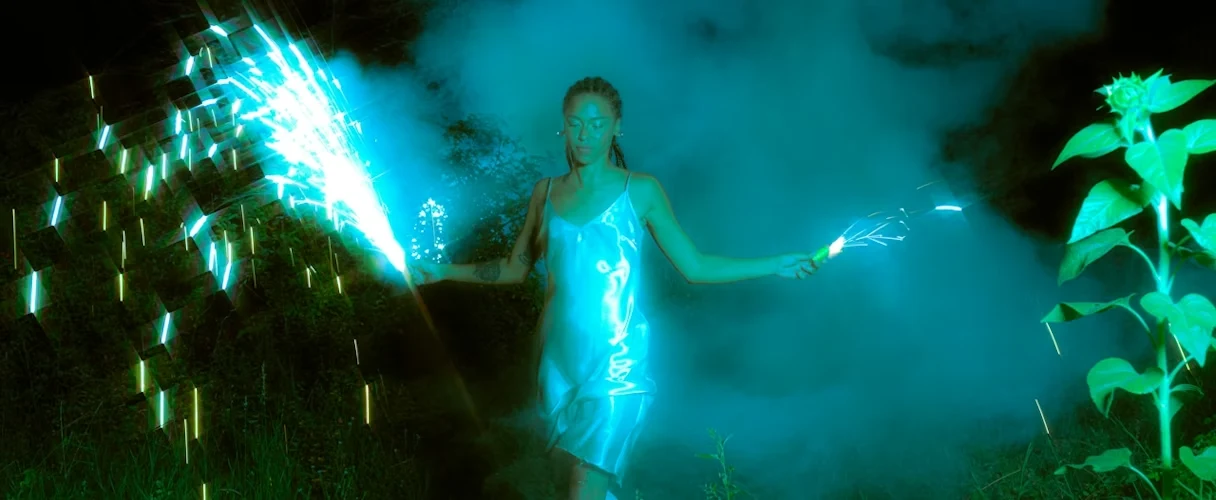
Avoid my past mistakes. With this guide, you can go from taking simple snaps to creating some really beautiful images of the night sky. This guide will walk you through the essential fireworks photography tips and tricks.
Part 1: Before the big Show - Location and Gear Prep
Your success honestly starts hours before the first firework launches. Your two most important decisions are your location and your gear.
Scout Your Location Arrive early to find a spot with an unobstructed view.
Little tip: Position yourself upwind from the launch site. This prevents smoke from blowing toward your lens, keeping your shots crisp and vibrant - and stops you from having a face full of smoke like I did!
For stronger composition, try to frame the fireworks against a local landmark or an interesting environmental feature.
Assemble Your Photography Toolkit You don't need a lot of gear, but the right tools are essential for great fireworks photos.
Camera with Manual Controls: A DSLR or mirrorless camera is really ideal because you need to control the settings yourself.
Sturdy Tripod: This is non-negotiable. You'll be taking long exposures, and any camera movement will result in a blurry mess.
Remote Shutter Release: While optional, pressing the shutter button directly can shake the camera. A remote allows for hands-free operation, ensuring maximum sharpness.
Lens Choice: A wide-angle zoom lens is perfect for capturing the fireworks within the context of their environment. However, I’ve gotten some incredible shots with a telephoto lens, so feel free to experiment!
Part 2: Essential Camera Settings for Fireworks Photography
Let's be real: your camera's automatic modes are not equipped for the extreme contrast of a fireworks display. They will see the dark sky and try to brighten everything, resulting in washed-out, colorless trails. To get professional results, start with these baseline settings in Manual mode.
Shooting Mode: Manual (M) or Bulb (B). This gives you direct control over everything. Bulb mode is especially useful as it keeps the shutter open for as long as you hold the button down.
ISO: Set to the lowest native value, usually ISO 100 or 200. Fireworks are extremely bright, so high sensitivity isn't needed. This will give you the cleanest, most detailed image with minimal noise.
Aperture: Start between f/8 and f/11. The aperture is your main tool for controlling the brightness of the firework streaks. A smaller aperture (higher f-number) prevents the bright trails from becoming overexposed white blobs and keeps their colors rich and saturated.
Focus: Manual Focus (MF). Your camera's autofocus system will struggle in the dark. Before the show starts, focus on a distant light source (like a streetlamp) or set your lens to the infinity mark (∞). Once it's set, don't touch it!
Turn these features OFF:
Image Stabilization (IS/VR): When your camera is on a tripod, this can actually introduce blur by trying to correct for non-existent movement.
Flash: It won't reach the fireworks and will only illuminate smoke or the back of someone's head.
Long Exposure Noise Reduction: This setting doubles the processing time after each shot, meaning you'll miss half the show. Noise can be easily fixed in post-processing software.
Part 3: The Performance - Timing and Technique
With your gear and settings ready, your job is to "paint with light."
Mastering Shutter Speed and Timing Use your remote in Bulb mode. Listen for the "thump" of the firework launching. Open the shutter as it streaks upward and explodes. Hold it open as the light trails expand across the sky, and close the shutter just as they begin to fade. Your exposure time can be anywhere from 1 to 30 seconds, depending on the effect you want.
Pro Tip: The "Black Card" Trick To capture multiple bursts in a single, spectacular photo:
Lock your shutter open in Bulb mode, but hold a piece of black cardboard or a dark hat in front of your lens, blocking all light.
When a firework bursts where you want it in your frame, remove the card to expose the sensor.
As the burst fades, place the card back in front of the lens.
Repeat for other bursts to layer them onto the same image.
Part 4: Check, Adjust, and Enjoy the Show
Your work isn't over after the first click.
Use Your LCD Screen to Review After your first few shots, check your camera's screen. Are the firework trails pure white with no color? This means they're overexposed. The fix is to use a smaller aperture (e.g., move from f/8 to f/11 or f/16) to let in less light. Use your LCD as your guide to perfect the exposure.
Don't Forget to Watch Finally, don't get so lost behind the camera that you miss the magic. Take a moment to step back, watch the sky, and enjoy the experience!!
Happy shooting!
Photographer Relationship Manager, Narrative