Lock in for 12 months and get 30% off! See Pricing
Our software handles the heavy lifting — the repetitive, time-consuming labor of sorting, culling, and editing — helping you move through your images faster and make decisions with more confidence.
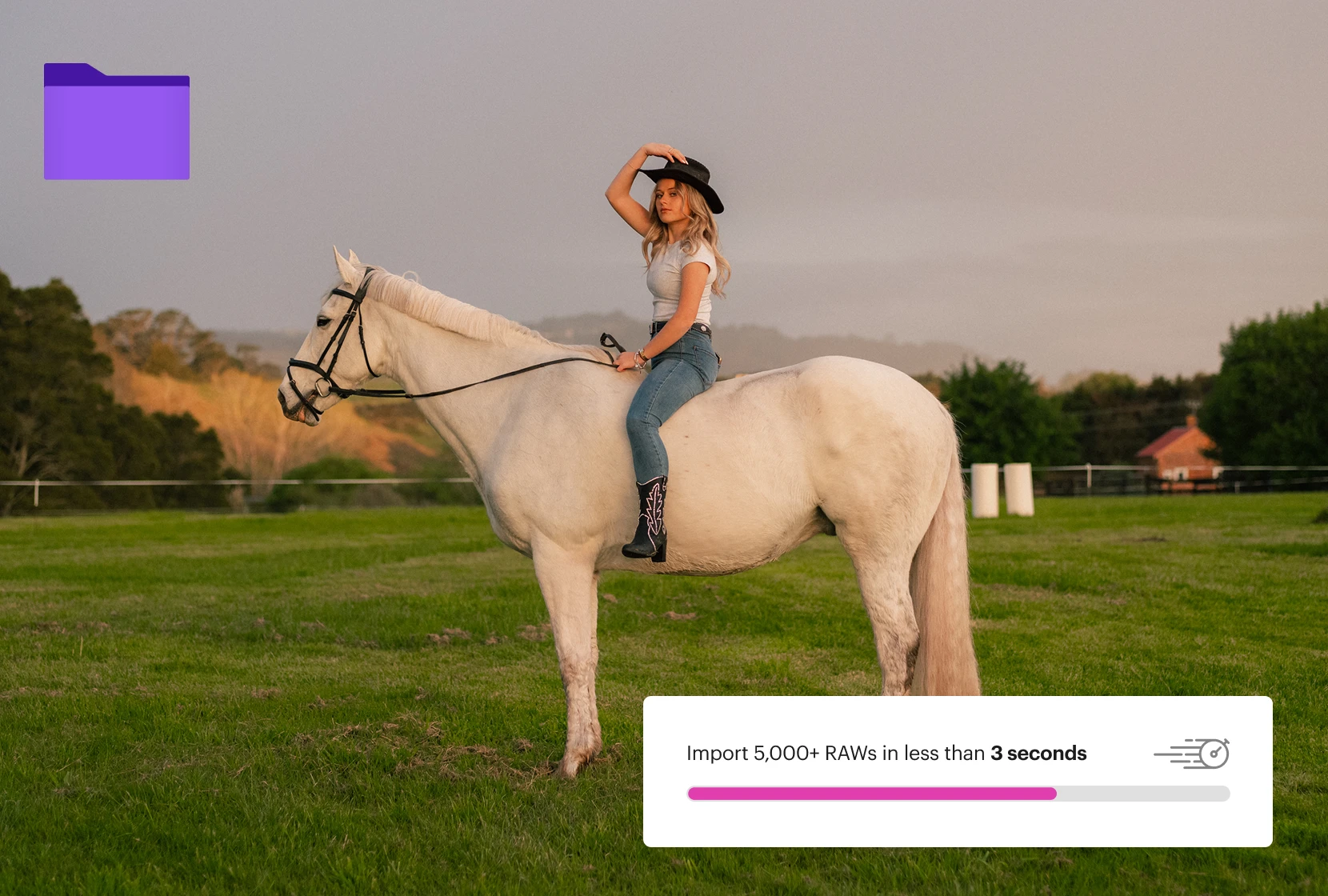
Narrative is built for speed. Import thousands of RAWs in seconds. Work offline, no cloud required. Ingest from SD cards and create backups simultaneously.
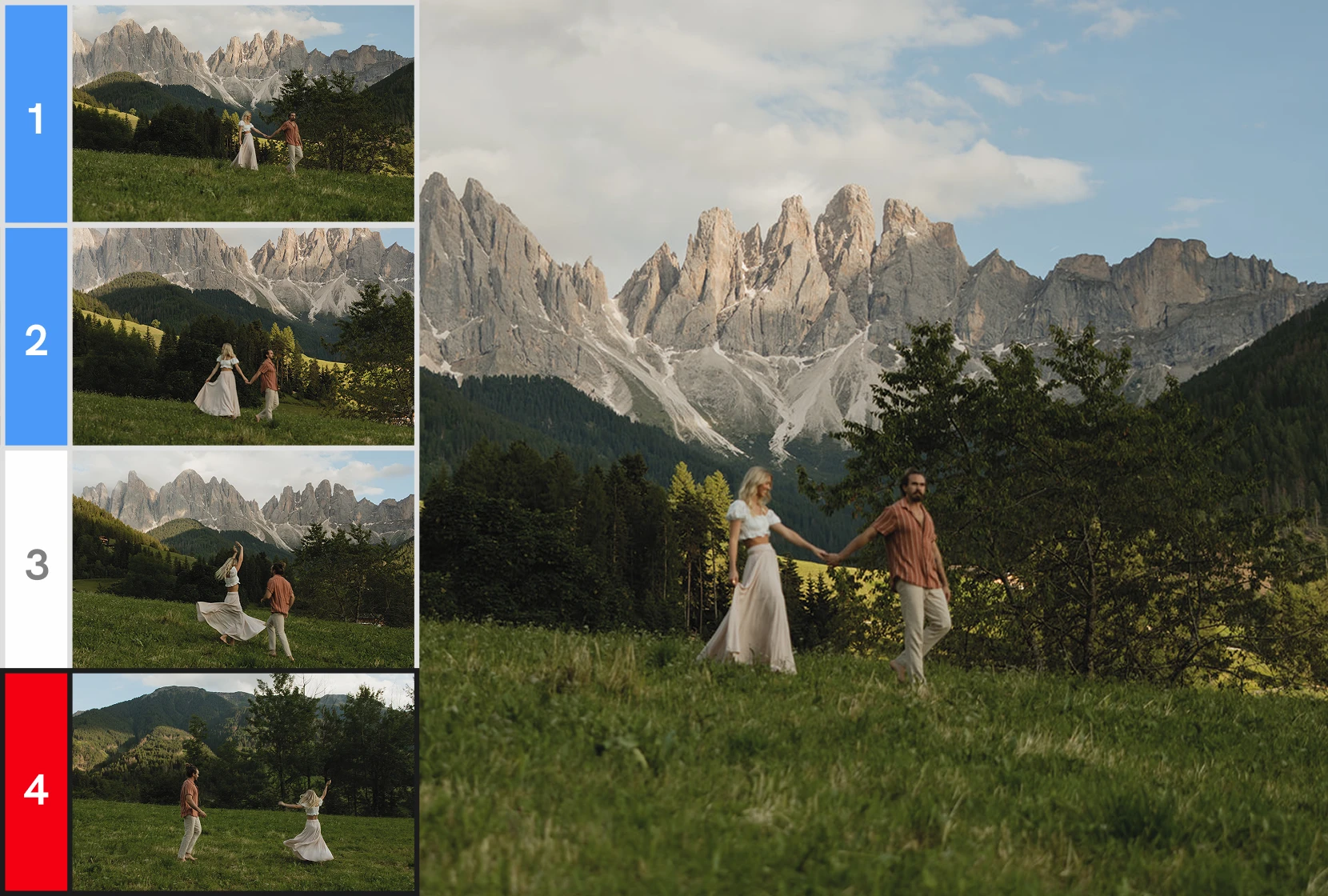
AI takes care of the repetitive work — sorting, assessing, and ranking thousands of images. You move faster, and still make every call that matters.
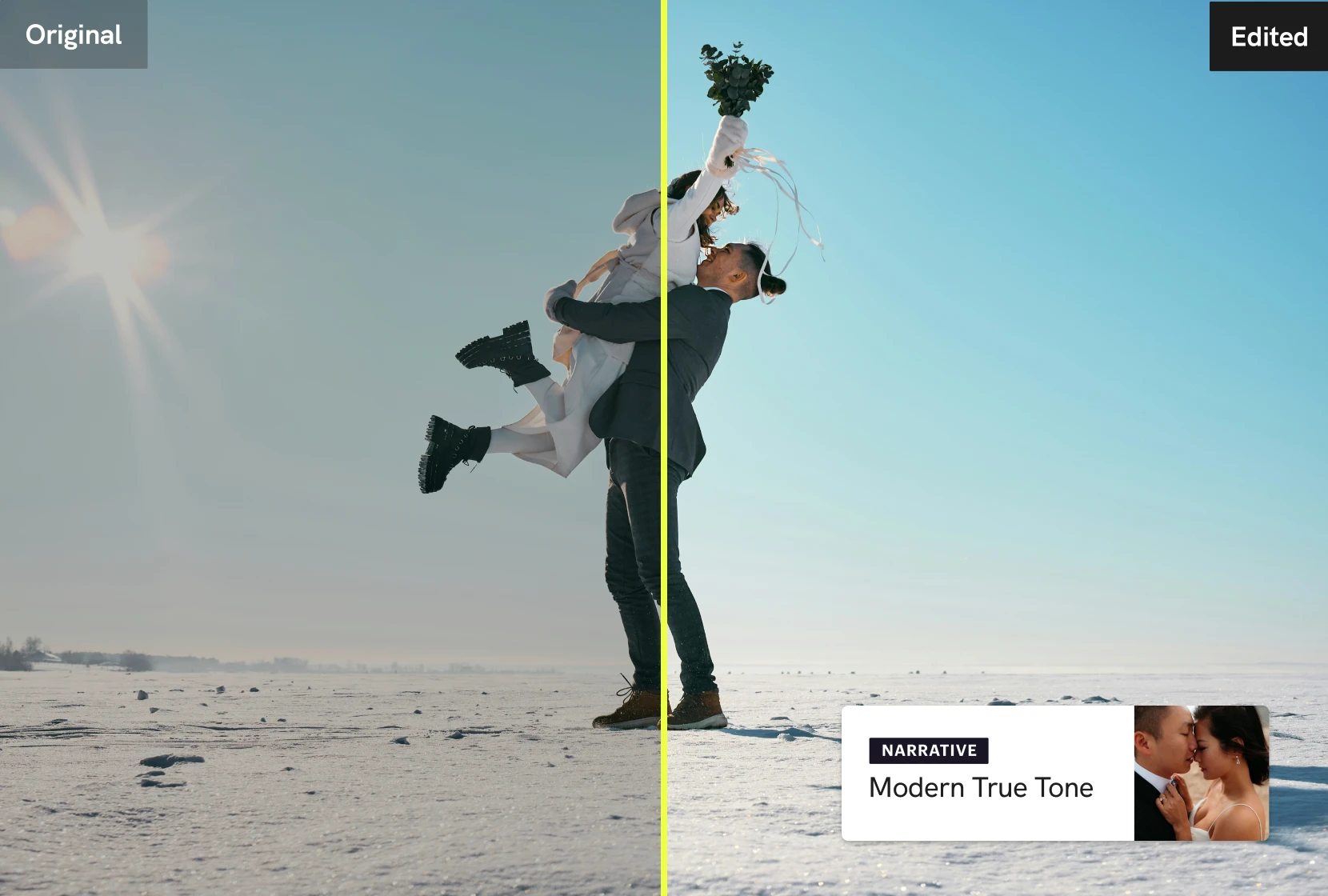
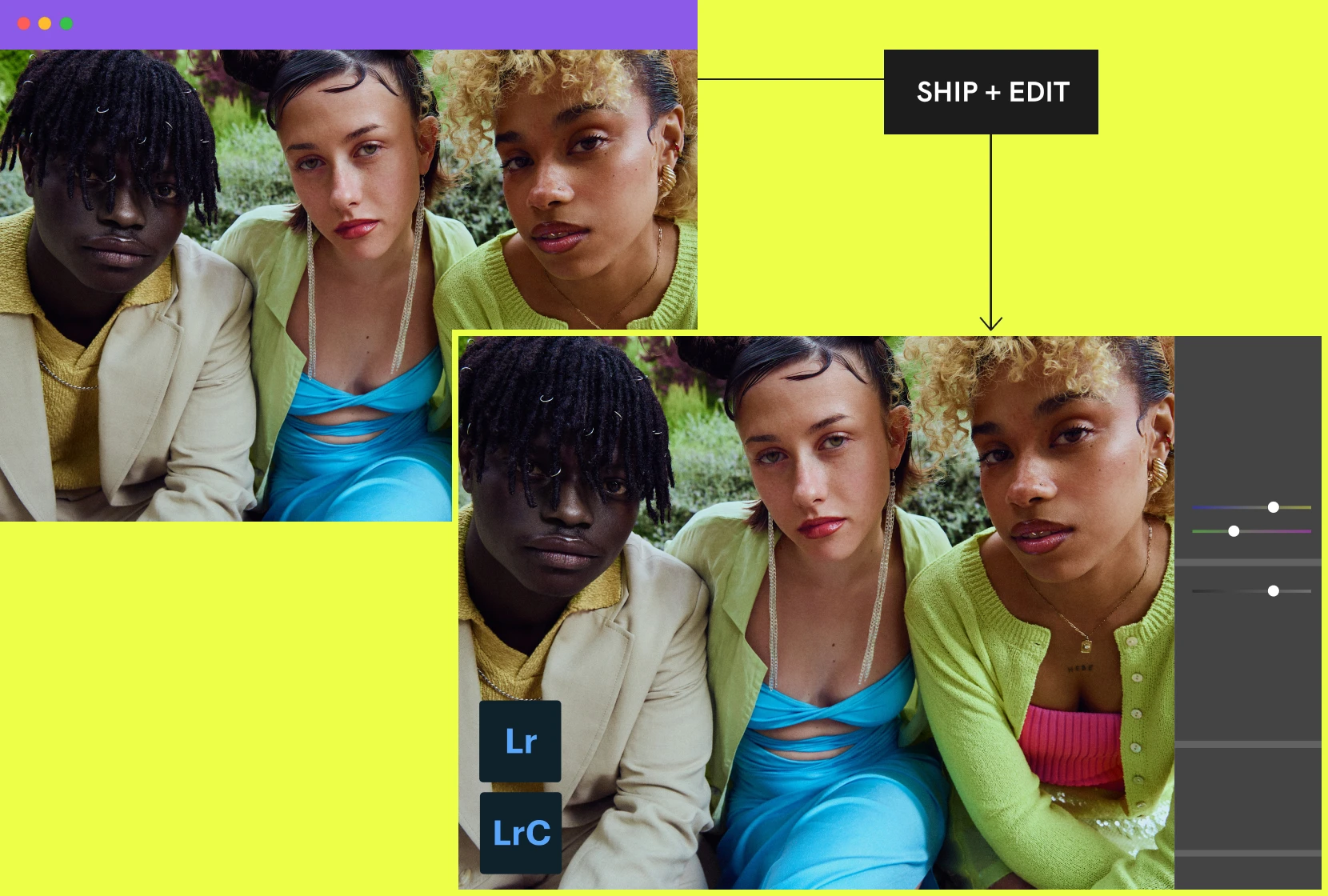
Ship selected images to Lightroom pre-edited in your style. The AI Preset learns from your work and improves over time — so every delivery feels like you.
Narrative fits straight into your existing workflow. Send your selects to your editing program or publish directly with Publish. Done. On to the next shoot.
For
Integrates with
52k followers
"Narrative feels like it was built by people who actually understand and care about photographers."
Morgan Nielson
images imported per year
countries our users call home
saved per year by the average user
of users recommend Narrative after trying it
Narrative is fast, AI-assisted culling and editing software specifically designed for photographers. It’s considered the best culling and editing solution for high-volume photographers who care deeply about their work, but also want to save time and focus on the things that matter most.
Narrative’s AI is assisted, meaning you stay in control of the final decisions, while the AI handles the heavy lifting. Unlike fully automated tools, you can trust the selections because they’re made by you. That means no more second-guessing or going back to check what the AI might have missed.
Narrative also includes powerful features like Scenes View to easily see how your shoot unfolded, the Close-ups Panel to help spot the best expressions fast, and blazing-fast performance that makes working through even large galleries feel effortless. When you're done, you can ship your selects straight into your favorite editing software, like Lightroom, to keep your workflow seamless.
Narrative takes on the repetitive part of your workflow, the sorting, assessing, and ranking, so your energy goes back into the decisions only you can make.
As photographers ourselves, we built it that way on purpose: AI that clears the path, not one that makes the call. You can see the full list of culling features here.
Start with a free trial, no credit card required.
Culling is the process of going through all the images from a shoot and choosing the best ones (the ones you want to edit). By culling, you will get rid of duplicates and objectively bad images and you will save yourself time when it comes to editing.
Culling with a dedicated image selection tool (like Narrative) is very different to culling within your editing program. Narrative is lightning-fast, AI-powered and purpose-built to help you identify and eliminate images that you won’t want to edit.
Any professional photographer who shoots high volumes of images (especially if those images are of people) will benefit from having a dedicated image selection tool.
Narrative assesses every photo in your shoot on your own computer:
Focus assessments: how sharp each main face is
Eye assessments: whether eyes are closed, and the context, such as blinking, kissing or looking down. That context helps Narrative tell a missed blink from a closed-eye moment worth keeping.
Scenes: similar photos from the same moment, grouped together
AI First Pass: each photo ranked within its Scene, from Best in scene to Undesirable, with the reason shown
Key Element Detection: on a Mac, when there's no face, it finds the most important part of the frame and checks its focus
Narrative is there to inform your judgement, not replace it. It flags and ranks, and it never deletes a photo. Whether a moment is worth keeping is your call.
Using Narrative, there are no wait times to import or navigate through your photoshoots. You can import thousands of RAWs in seconds.
There are no low res images, no loading bars and thumbnails load immediately. This makes it incredibly fast to flick through your images.
Our image assessments allow you to quickly identify potential picks from your shoot. Filtering by Potential Picks means you only need to look through half of your images to pick a great selection.
Narrative is built from the ground up to save you as much time as possible.
Narrative runs on macOS and Windows. See the full system requirements.
Supported files: CR2, CR3, CRW, NEF, NRW, RAF, ARW, RW2, ORF, PEF, FFF, 3FR, DNG, RAW, RWL and JPG. On Mac, HEIC, HEIF and HIF files work too.
You can ship to Lightroom Classic on Mac and Windows, and to Lightroom CC, Photoshop and Capture One on Mac.
Because editing should start from your style, not from zero. Narrative applies an AI Preset as you ship to Lightroom, so your selects arrive with white balance, exposure and skin tones already done. Users with an AI Preset report saving 80% of their editing time.
As photographers ourselves, we are obsessive about creating technology that helps you, so you can spend more time doing what you love.
You get unlimited editing during your Ultra trial, so you can test it on a real shoot.
In Narrative there are a few different AI Presets that you can use, they are;
Personal AI Presets
This is an AI Preset trained on your edited images (at least 1500 images of your choice). Premium includes 1 colour and 1 black and white Personal AI Preset, and Ultra includes up to 5 of each. Each one must be trained on a set of consistently edited images. Your Personal AI Presets will improve over time as you use them and make additional edits in Lightroom.
Artist AI Presets
These are AI Presets created by influential Photographers that you can use without the need to train. These are readily available as you'd like to use them, and we will be adding even more AI Presets from influential and respected Photographers over time.
Core AI Presets
Another AI Preset option is our Core AI Presets, which now include over six styles designed to suit a range of editing preferences.
Yes. Narrative culls and assesses photos on your computer, so it works without internet once it's set up.
Before you go offline, sign in, let Narrative download everything it needs to run offline, and download any AI Presets you want to use. You can then work offline for up to 30 days from your last sign-in. Training a Personal AI Preset needs a connection.
No. Your photos stay on your computer. Culling and AI assessments happen locally, and nothing is uploaded unless you use a feature that needs it:
Help improve Narrative is optional and off unless you turn it on. If you do, image previews are shared to improve Narrative.
Training a Personal AI Preset uploads your edited images and edit data. They stay private to you.
Read more about what happens to your images and data.
No. Narrative is a standalone app, so you can cull and rate without Lightroom. You need Lightroom Classic or Lightroom CC to apply AI Preset edits, and Lightroom Classic to train a Personal AI Preset.
You can also send your selects to Capture One or Photoshop on Mac, or move and copy them to any folder. Narrative doesn't export finished JPEGs; that happens in your editing software.
No problem, head over to our Support Centre for more detailed help or reach out to our expert team for more assistance.