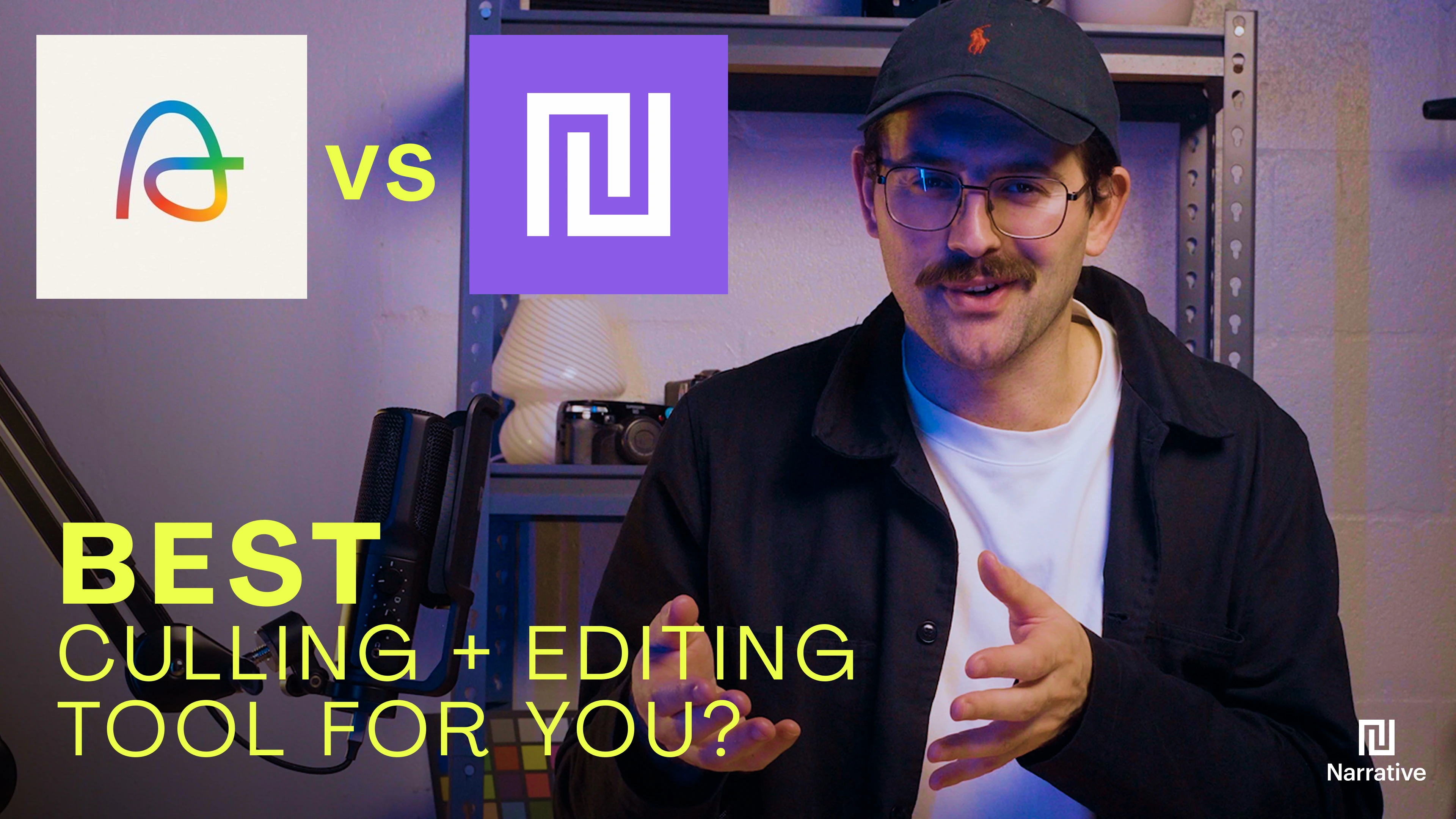
Aftershoot vs Narrative: Which Photo Culling Software Wins?
Taylor Nixon Photographer Relationship Manager, Narrative
Thursday, September 11, 2025
TLDR; Narrative comes out ahead on import speed, facial expression detection, and creative control, while Aftershoot moves fast but over-selects and misses emotional nuance more often. I tested both on real weddings, comparing import speed, focus and expression detection, grouping, selection accuracy, and editing quality.
Here's what I found, category by category.
Who am I and why does this comparison matter
As a professional photographer, I spend a lot of hours every month buried in culling and editing.
Aftershoot and Narrative (a.k.a. Narrative Select) both promise to cut that time down with AI. But promises are cheap. I wanted to know which one actually holds up against a real shoot, so I ran both through the same workflow and scored them on the parts of the job that actually eat my time.
Import speed
Aftershoot's import is decent, but it slows down noticeably once facial recognition is switched on. Narrative's import is instant. Thumbnails read straight from the RAW files on import, so I can start scrolling and reviewing right away instead of waiting on a processing bar.
If you shoot high volume and want to start reviewing the moment your cards are in, that gap matters more than it sounds like on paper. Narrative's culling features are built around that instant readability.
Focus, eye, and facial expression detection
Aftershoot flags closed eyes and blur, but it stops there. No side-by-side facial crops, no confidence scoring, so I still had to open each image to judge it myself.
Narrative goes further. It assesses eyes, focus, and facial expression automatically, and the Close-Ups Panel shows every face in a scene at once. I can see who blinked, who's sharp, and which frame has the best expression without clicking into a single image. For group shots and weddings especially, that's the difference between a 30-second decision and a five-minute one.
Grouping similar shots
Aftershoot groups burst shots automatically, but it misfires often, especially when lighting or poses are similar across frames. I've had it lump together shots that had nothing in common except exposure.
Narrative's Scene View groups images by composition, subject, and angle instead of relying on metadata alone. That makes the grouping feel like something a photographer would do, not just a camera counting frames per second.
Selection accuracy
This is where the gap is biggest for me. Aftershoot is fast, but it misses emotional nuance constantly. I've watched it flag a bride's almost-tearful expression as a bad photo simply because her eyes were slightly closed. That means I still have to go back through the reject pile to catch the images that actually matter, which erases a lot of the time Aftershoot claims to save.
Narrative doesn't try to make that call for me. It surfaces the information, focus, expression, framing, and lets me decide. If I want to keep a photo the AI would have buried, I can, without fighting the software to do it.
Editing quality
Aftershoot's editor trains on your past Lightroom edits, and some users online report first-pass accuracy in the ballpark of 65 percent. From my own test, Narrative's first-pass accuracy ranged above 80 percent.
More importantly, Narrative builds a personalized model that keeps updating every time you make a meaningful change in Lightroom, rather than mimicking a static style. It's training on your actual editing decisions, not a generic preset guess.
Both tools offer style-trained editing. The integration with Lightroom is where Narrative pulls ahead, since the model keeps learning instead of freezing on day one.
Read more on how the AI editing works.
The scorecard
Category | Aftershoot | Narrative |
Import speed | Slower with facial recognition on | Instant, reads thumbnails from RAW |
Focus and expression detection | Flags eyes and blur only | Full facial assessment with Close-Ups Panel |
Grouping | Metadata-based, misfires on similar lighting | Scene View groups by composition and subject |
Selection accuracy | Misses emotional nuance, requires manual re-check | Surfaces information, photographer decides |
Editing accuracy | Around 65% first-pass reported [needs sourcing] | Above 80% first-pass reported [needs sourcing], improves over time |
My verdict
Aftershoot puts your workflow on autopilot. That sounds appealing until it quietly drops a photo you would have kept, and you spend the time you saved going back to find it. Narrative keeps me in the driver's seat the entire way through: faster to cull, more dependable on selection, and tighter with Lightroom.
That distinction matters most on the shoots where the pressure is highest. Wedding days, one-chance moments, portraits where a single expression separates the frame you deliver from the one you bin. In those situations, a tool that over-selects and buries emotional nuance isn't saving you time. It's creating a different kind of work.
Narrative clears the repetitive labour without removing you from the process. The AI handles the sorting and assessing. You make the calls that matter. That division of work is what makes the difference, not just in speed, but in confidence that nothing important got left behind.
If you want to see the full workflow for yourself, Narrative offers a free trial, no credit card required. For a deeper feature-by-feature breakdown, check out the full comparison page.
Full test and screen recordings available in the video version of this review.
Photographer Relationship Manager, Narrative