Photo Culling Software Compared
Not all photo culling tools work the same way. Compare their features to find the best fit for your workflow.
Share Your Work & Win Prizes - Narrative International Photography Awards 2026
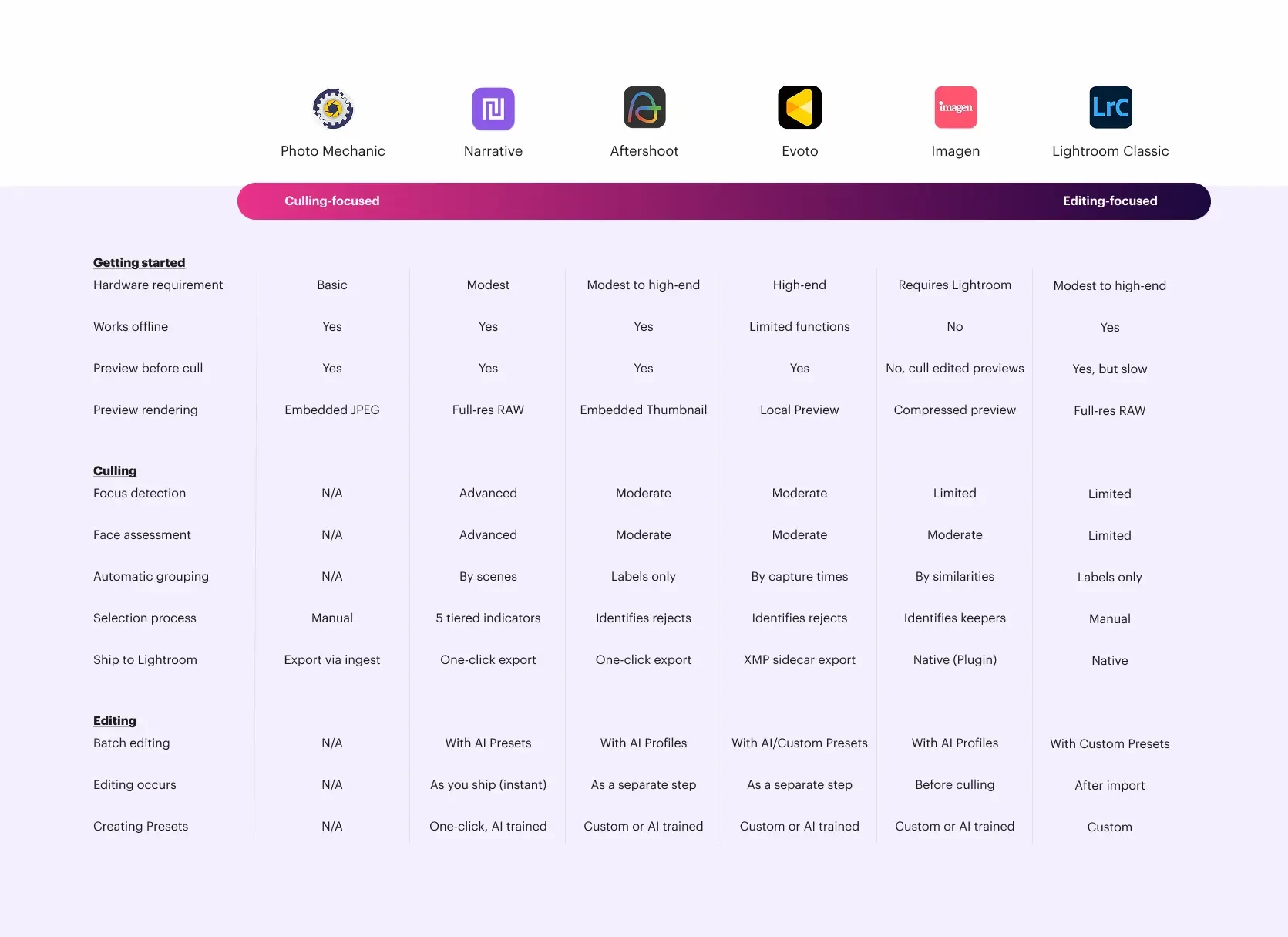
See how Narrative stacks up against other culling and editing tools, side by side.
Find the right fit for your workflow, or read our best photo culling software comparison.
How fast can you get from a memory card to shipping your selects to Lightroom, pre-edited in your style?
How confident are you that nothing was missed — no closed eyes, no soft focus, no lost moments?
How much of the decision-making stays with you, and how much are you handing to an algorithm?
Not all photo culling tools work the same way. Compare their features to find the best fit for your workflow.
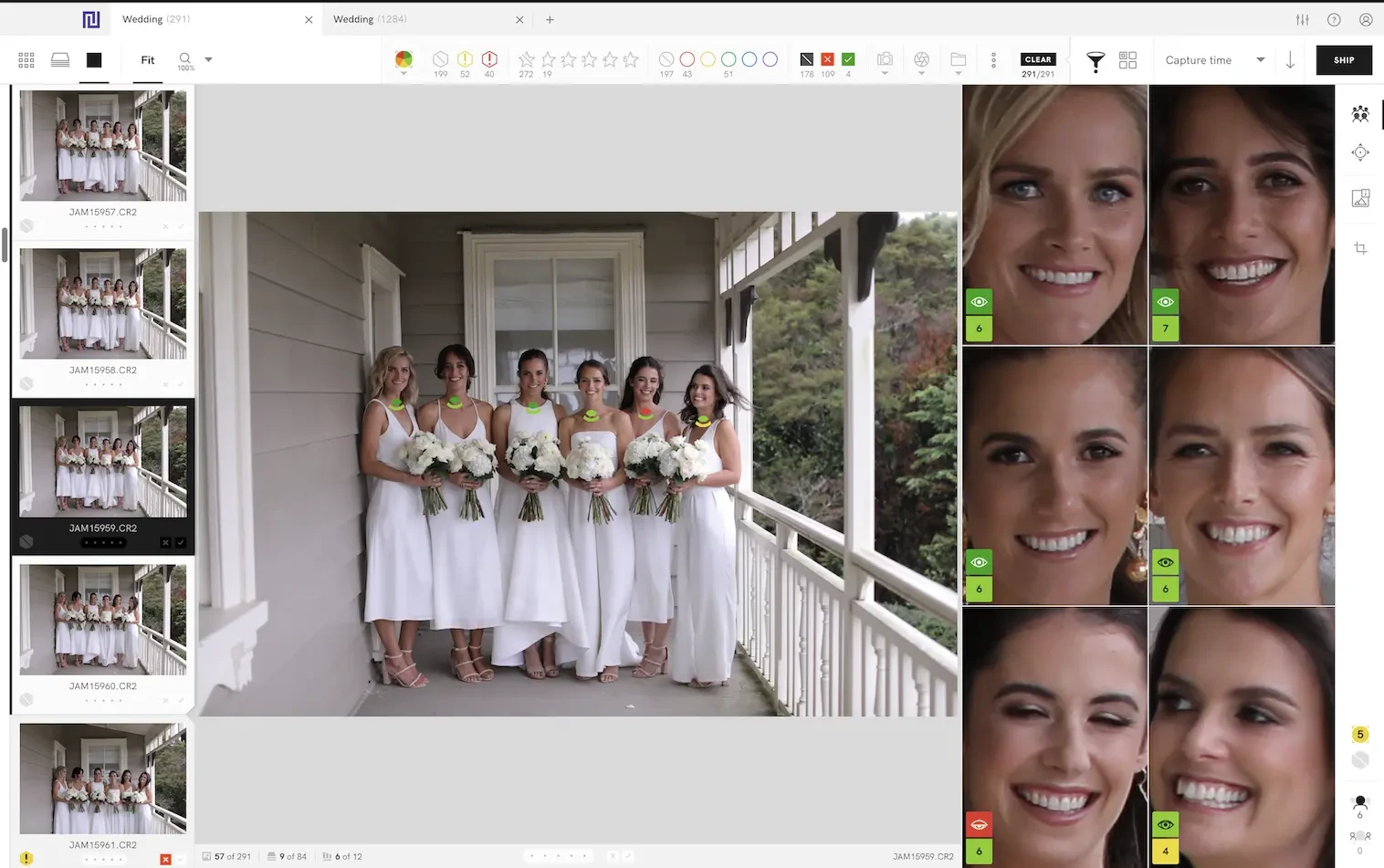
The most feature-rich photo culling tool that keeps the photographer in the driver's seat.
Speed: Instantly cull-ready, with automatic sorting and ranking
Accuracy: Best-in-class focus and face detection
Control: AI does the heavy lifting, so you can bring your artistic vision to life (Full control)
Pros & Cons
Unique human-led photo culling at scale
No cloud or browser-based option
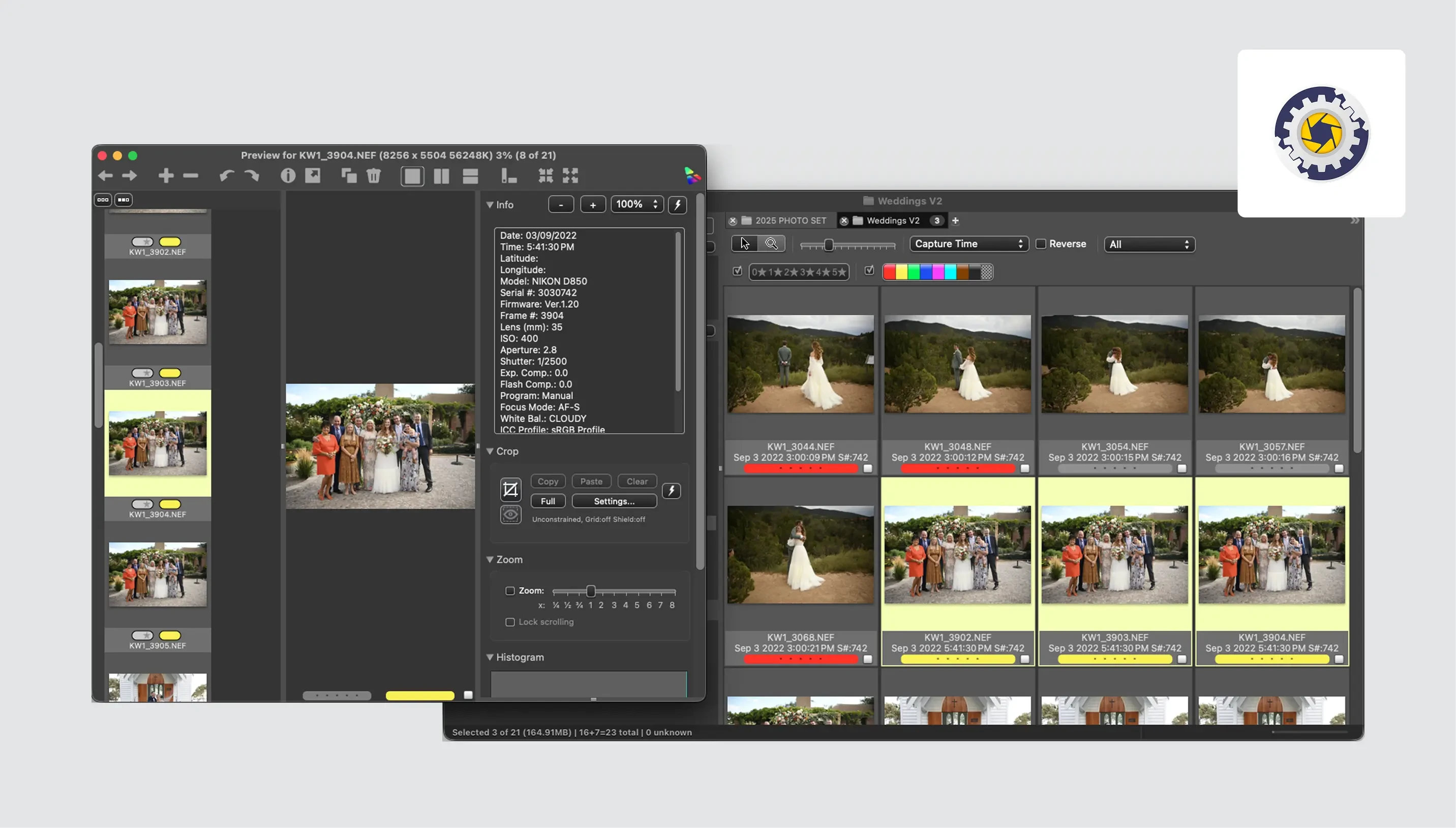
The industry-standard manual image browser for photographers who want speed, without AI.
Speed: Lightning-fast image previewing and ingest speeds
Accuracy: Entirely dependent on your own eye, no AI assistance
Control: Full control, at the cost is doing everything yourself
Pros & Cons
Powerful metadata management and file handling
Outdated interface with a steep learning curve
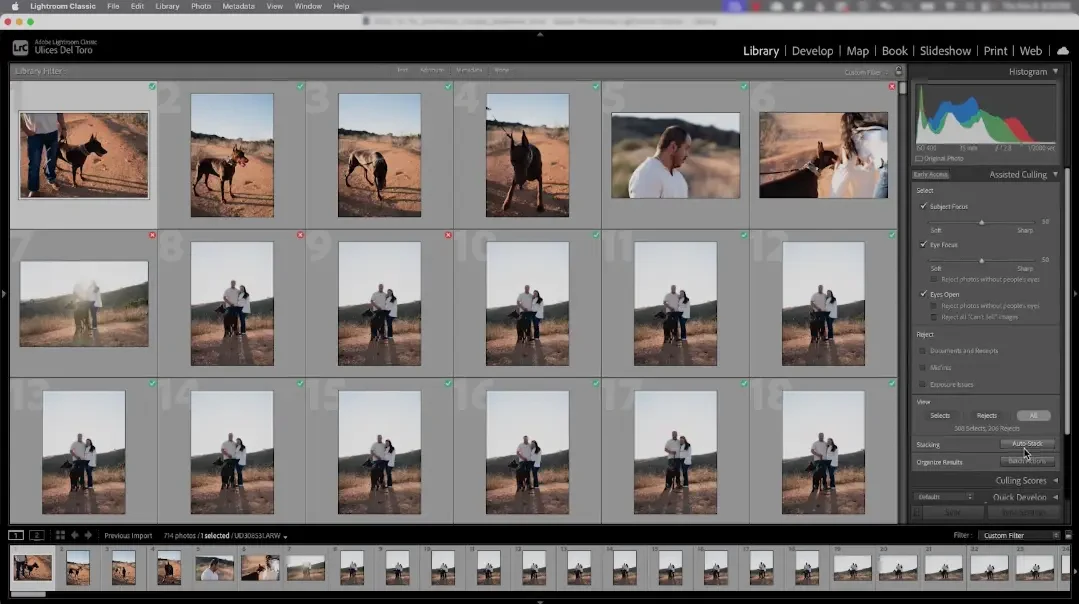
The industry-standard photo editor that everyone uses, but not for culling.
Speed: Most time consuming, but no transition between culling and editing
Accuracy: AI-assisted features are limited and unreliable
Control: You are in full control of the post-production outcome
Pros & Cons
No extra cost for culling software
Slow preview, limited culling features
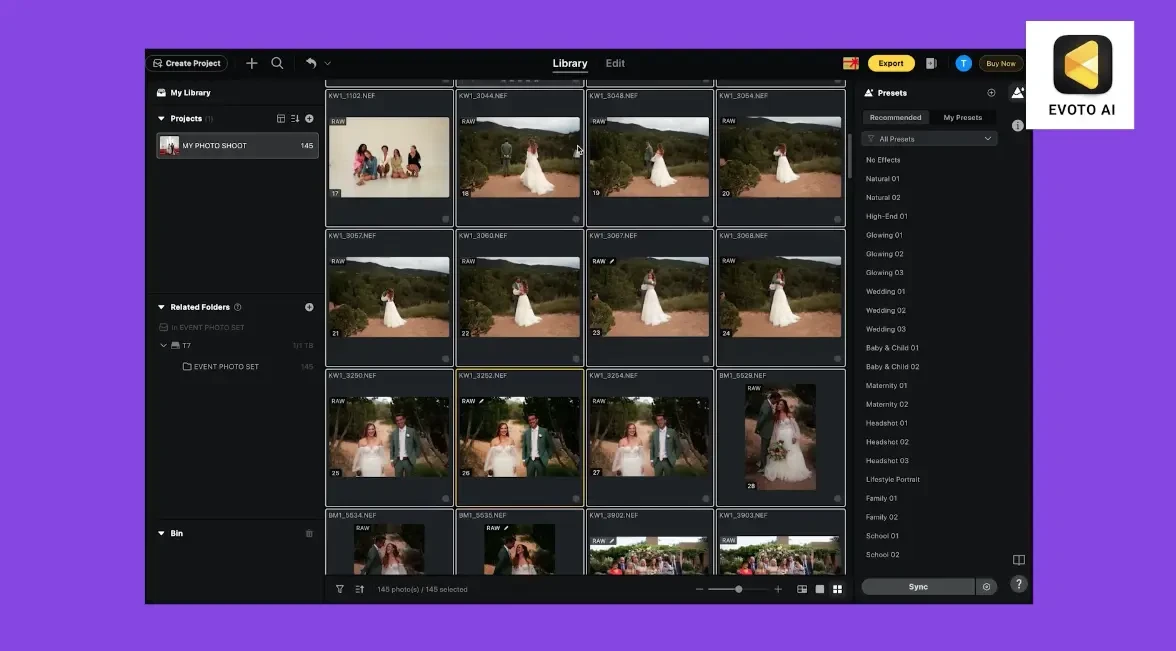
A desktop AI culling and editing tool that automates the first pass so you review what it picks.
Speed: Rapid ingest, moderate to fast AI processing speed
Accuracy: Solid, battle-tested technical detection, tends to over-select
Control: Choice of automated or assisted culling powered by AI
Pros & Cons
Most versatile post-production capabilities
Fully automated, but with varied steps in between
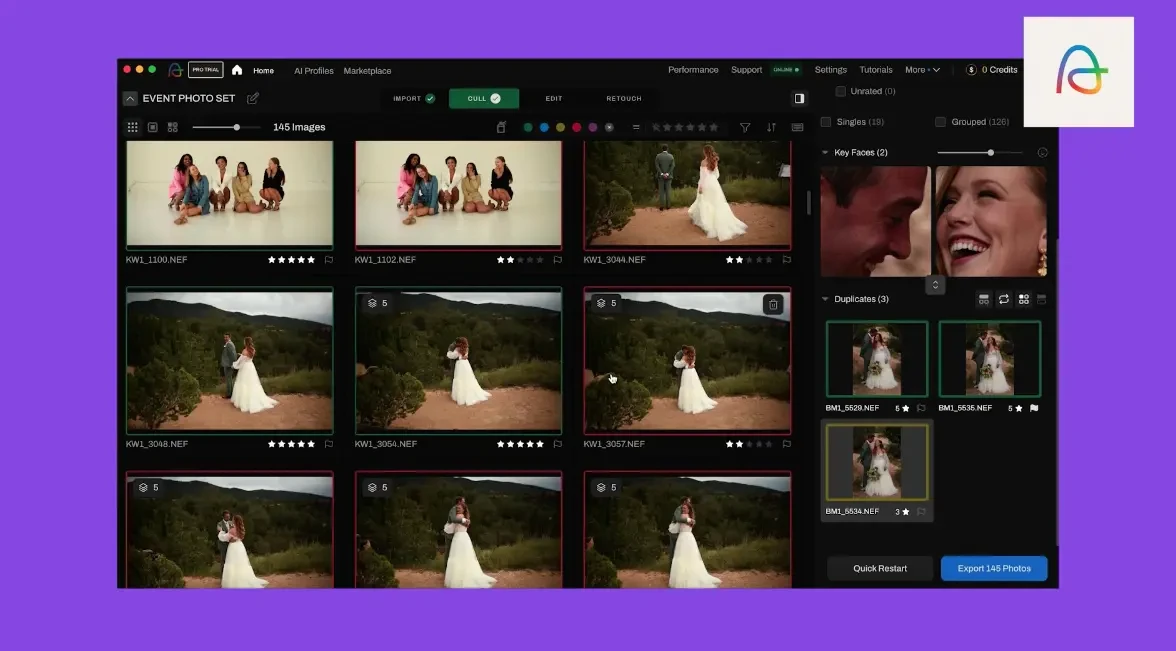
An AI editing ecosystem built around Lightroom that treats culling as a step toward automated editing.
Speed: Cloud-dependent, varies with connection and volume
Accuracy: Culling is secondary to edit, culling depth is limited
Control: AI decides first, images leave your machine
Pros & Cons
Native, non-destructive editing in Lightroom Classic
Not a standalone application, complex pricing model
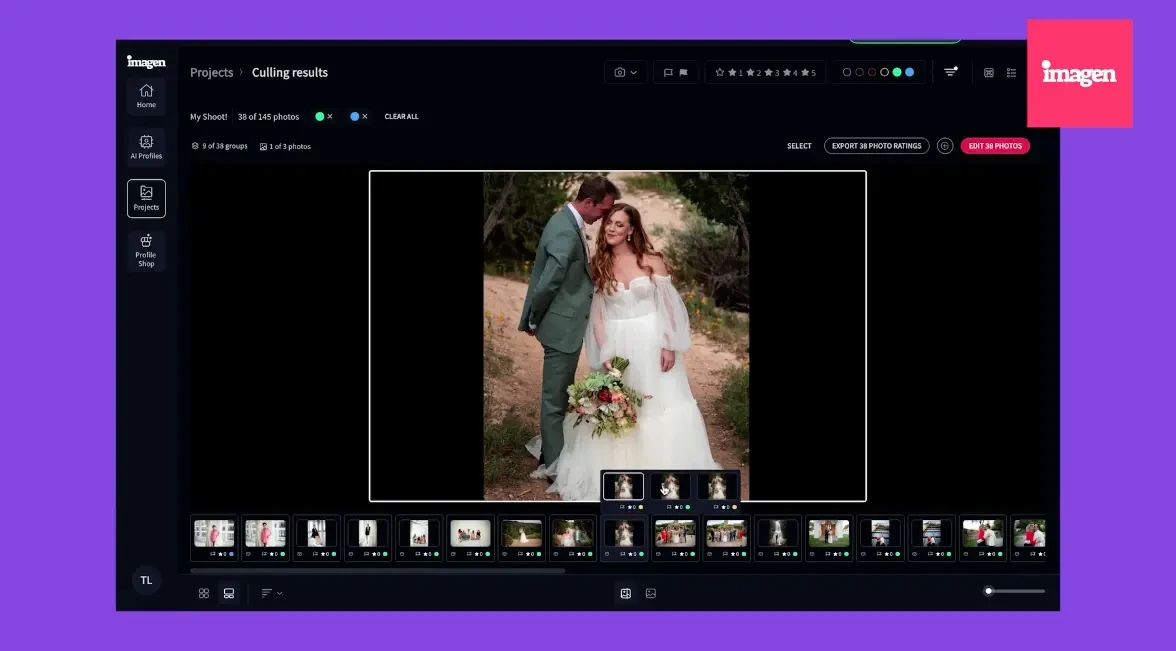
An AI retouching platform that added culling recently as part of a tether-to-deliver workflow.
Speed: Fast, but requires internet and high-end hardware
Accuracy: Broad detection (focus, exposure, faces), but not battle-tested
Control: AI decides first, you review; you pay-per-export
Pros & Cons
Excellent portrait retouching features
Culling features are secondary to retouching
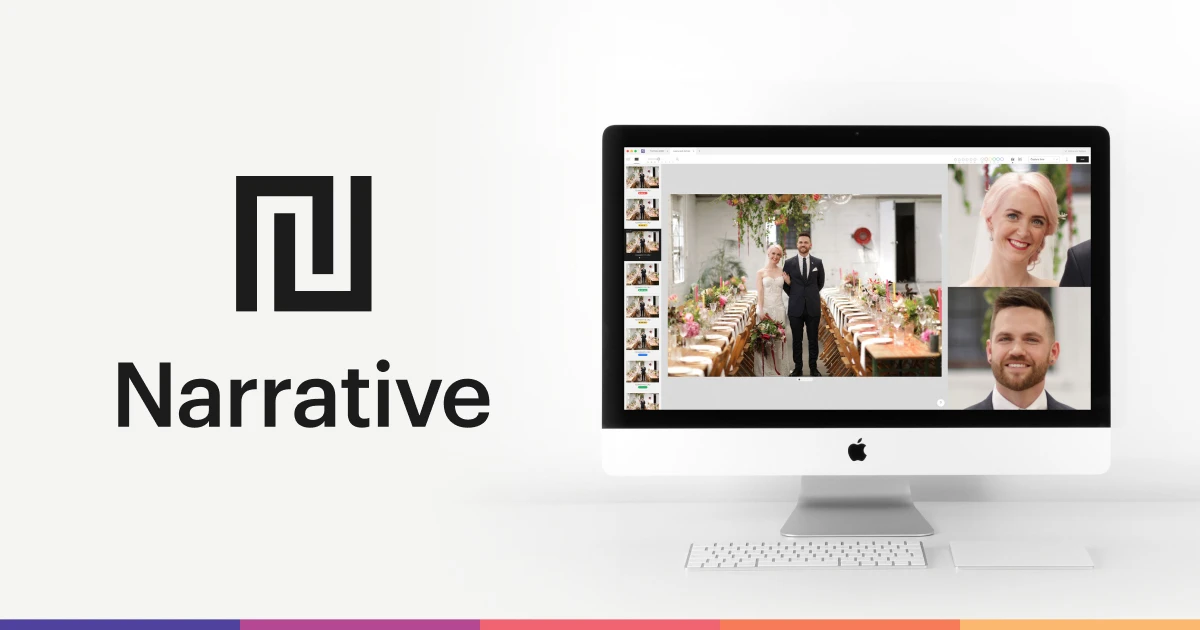
Narrative is the fastest way to cull because it's built to make you faster, with instant previews, AI that informs without overriding, and a culling UX no other tool matches.
Cull twice faster with Narrative and make your great work flow.
When it comes to photo culling for professional photography, fast means three things: speed, accuracy, and control.
Speed — When you're culling at volume, even a half-second loading bar between images adds up to 15+ minutes of dead time across a 2,000-image gallery. Narrative imports thousands of RAWs in under 3 seconds, renders every image instantly at full resolution, and ships your selects to Lightroom in one click. No cloud uploads, no waiting.
Accuracy — Missing a closed eye or blurry face is the difference between a professional gallery and an amateur one. Narrative's Focus Scores, Eye Assessments, and Close-ups Panel surface problems at a glance — no zooming and panning across every frame.
Control — Keeping intentionally soft, creatively composed, or unusually angled shots means not having to go back and recover false rejects. Narrative's AI never rejects an image on your behalf. You make every call, in one pass.
A tool that's fast at processing but costs you time in review and correction isn't actually fast. Narrative is the fastest culling software because it's fast where it counts — in the hands of the photographer.
Fully automated tools process the AI step in 3–12 minutes, but that's just the sorting. As a professional photographer, you still spend time reviewing, correcting, and recovering images the AI got wrong. This could take hours, if done manually in Lightroom.
So the real question isn't how fast the AI runs, but how fast you get from a memory card to shipping your selects to Lightroom with a result you're confident delivering.
Repeatedly, Narrative users report cutting their culling time in half because the AI-assisted features ensure that you're making fast, confident decisions every step of your culling workflow. There's no additional review time because every pick was yours.
Yes. Most dedicated culling tools integrate with Lightroom Classic.
With Narrative, it's a one click ship of your selects to Lightroom Classic and Lightroom CC, with ratings preserved — removing the need for manual re-flagging. You can ship pre-edited, in your style, with your Personal AI Preset.
Not really, at least to our standards at Narrative.
Fully automated tools report AI accuracy rates of up to 95%, which still means dozens of wrong decisions per 1,000 images that you need to catch and correct. Furthermore, accuracy drops on challenging lighting, creative compositions, or images where capturing the moment and creative intention matters more than the sharpness.
For photographers delivering to paying clients, that distinction matters.
That's why Narrative takes a different approach. Instead of handing you a finished cull to review, it uses AI to surface the information you need to make faster, better decisions yourself. The accuracy of your final gallery is as high as your eye — because you made every selection. You're not checking the AI's homework. You're using AI to do yours faster.
Your name is on the gallery, not the algorithm's.
Culling is the pre-edit selection process. You're removing duplicates, closed eyes, missed focus, and weaker frames, so you only spend editing time on images worth delivering. Once the selections are made, you begin to edit — applying tonal corrections, color grading, retouching, and stylistic adjustments to your selected images.
Dedicated culling software saves time by dramatically reducing how many images you need to edit in the first place.
Narrative goes one step further: apply Personal AI Presets trained on your own editing style so your images arrive pre-edited and ready for final adjustments. One workflow, from memory card to Lightroom.
Yes — though the time savings depends on your volume and genre.
The biggest impact is for high-volume photography, where culling is a genuine bottleneck: weddings, events, portraits, family sessions, sports, etc. If your shoots are typically under 100 images, dedicated culling software may not be necessary.
Most AI culling tools are optimized for people photography. Narrative's AI is particularly strong here. The Close-Ups Panel, Face Assessments, and Focus Scores are built around helping you find the best expressions and sharpest faces in every scene.
For genres where faces aren't the primary subject, AI culling still helps with fast preview loading, duplicate detection, and technical quality assessment.
This is one of the most important distinctions in culling software, and it affects both your workflow and the quality of your final gallery.
Fully automated culling means the AI decides which photos are keepers and which are rejects. You then review this output and correct any mistakes. Tools like FilterPixel, Aftershoot, and Imagen use this approach. It's fast on the AI side, but you're spending time manually auditing an algorithm's taste rather than making your own creative decisions.
AI-assisted culling means the AI provides intelligence — Focus Scores, Eye Assessments, scene grouping, image quality indicators — but you make every selection. The AI surfaces the information; you make the call. Narrative uses this approach.
No — they can tell you if an image is technically good, but not if it's the moment: the biggest limitations of fully automated culling.
A slightly soft image of a bride seeing her father cry. An intentionally blurred dance floor shot, full of energy. A fleeting expression that lasts one frame. These are the images that make a gallery meaningful — and they're exactly the images that automated AI is most likely to reject.
This is why Narrative uses an AI-assisted approach. Narrative's AI handles the technical heavy lifting so you can pick fast: flagging closed eyes, ranking focus, grouping scenes. But the decision about what matters stays with you.
You're the one who was in the room. You understand the story. No algorithm can replicate that judgment. If your best work depends on moments, not just sharpness, your culling tool should keep you in the driver's seat.
Most dedicated culling tools range from $10–$60/month, depending on features.
The right way to evaluate price isn't the monthly number, but the time you get back. If culling a single wedding takes you 2–3 hours in Lightroom and dedicated software cuts that in half, the tool pays for itself after one shoot.
If you're unsure, try Narrative Ultra with our 30 day free trial. No credit card required, no strings attached.