Cull Portraits
Twice As Fast
Cut your post-production workload in half
with a photographer-led workflow.
For
Integrates with
Share Your Work & Win Prizes - Narrative International Photography Awards 2026
Cut your post-production workload in half
with a photographer-led workflow.
For
Integrates with
Load RAWs instantly, sorted and ranked by AI. Ship your selections to Lightroom with a click.
Work with a tireless AI Assistant who understands what makes a good first pass.
Keep creative control. Get empowered to make culling decisions faster.
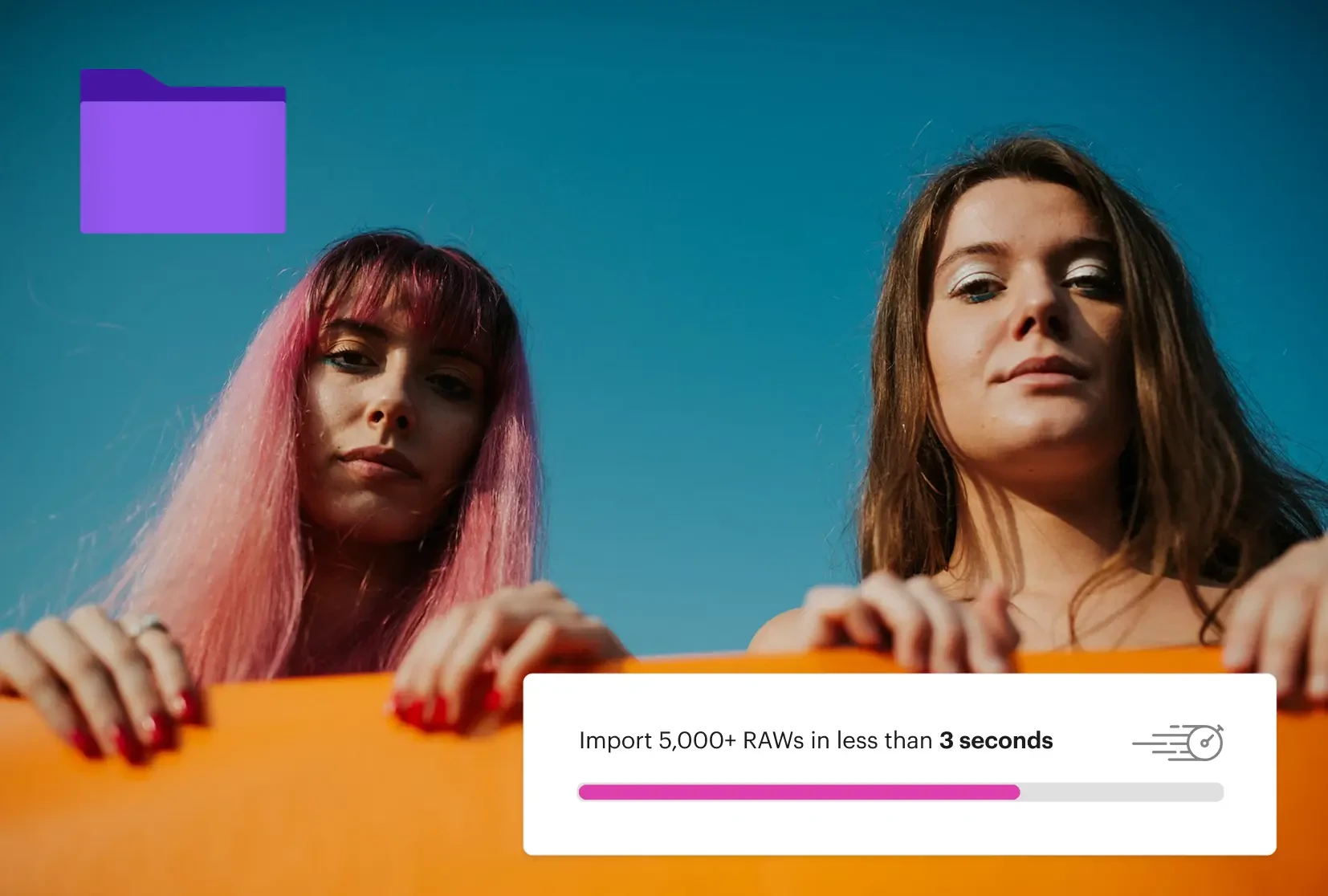
Narrative's AI culling never keeps you waiting. Thousands of RAWs imported in under 3 seconds, zero lag between frames. With unlimited images and projects, with no per-image fees, keep your great work flow.
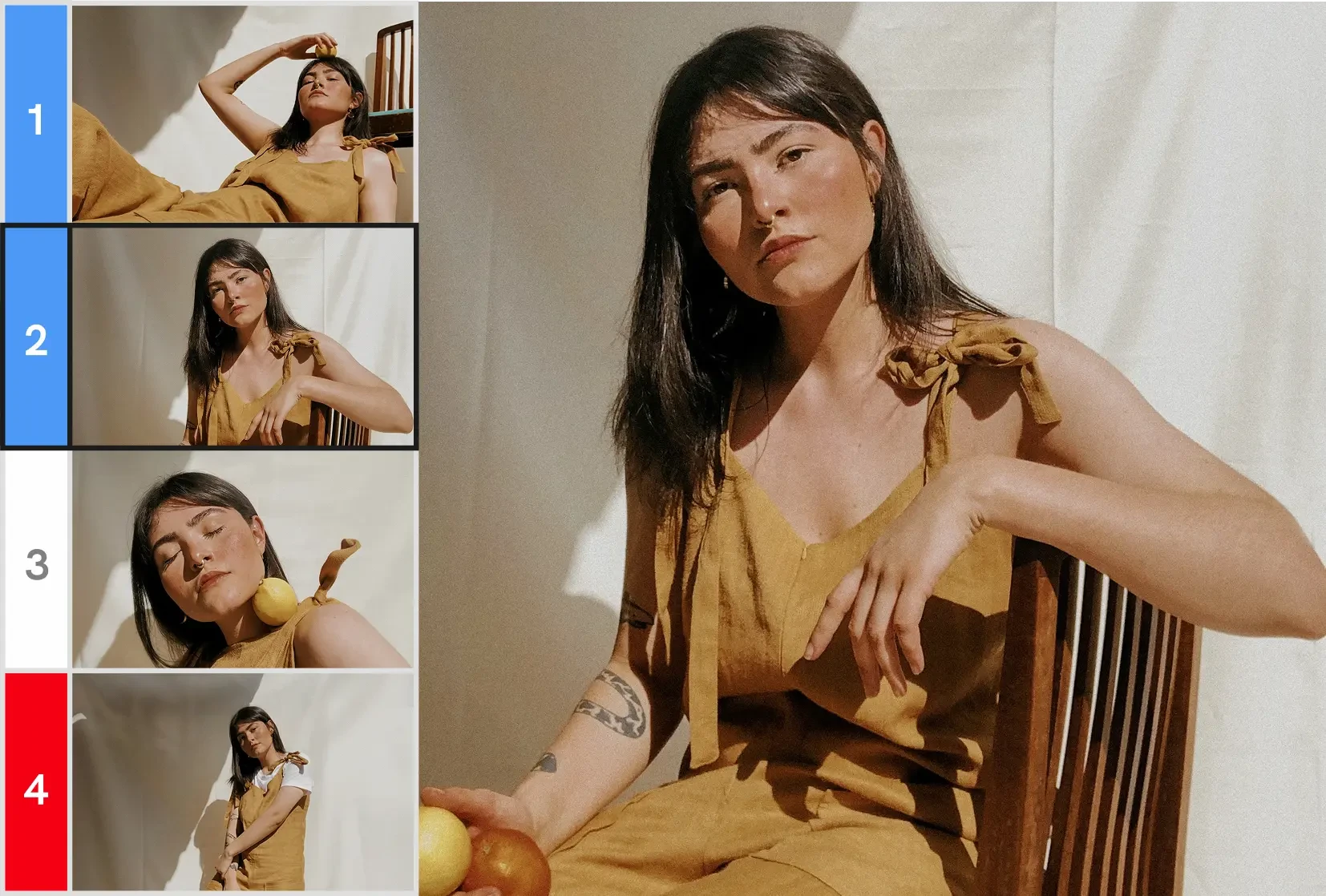
Cull twice as fast by checking your shoot "scene by scene," not "frame by frame." Let AI handle the first pass, ranked from the best to undesirable, for you to decide.
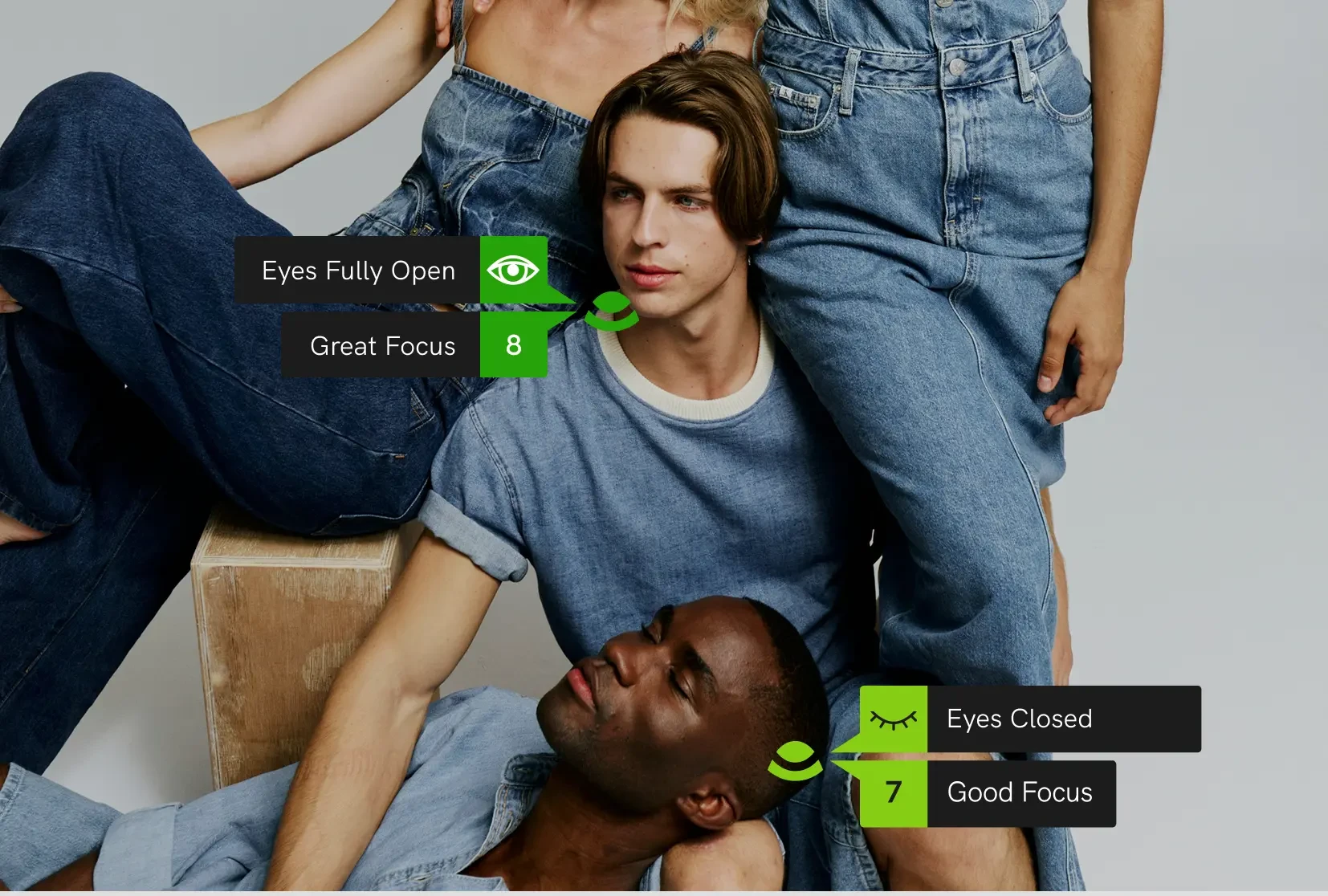
Missed focus is unacceptable in professional portrait work. Narrative's AI-powered face assessments feature helps you identify potential problem shots, by flagging soft-focus images, closed eyes, and near-miss shots.
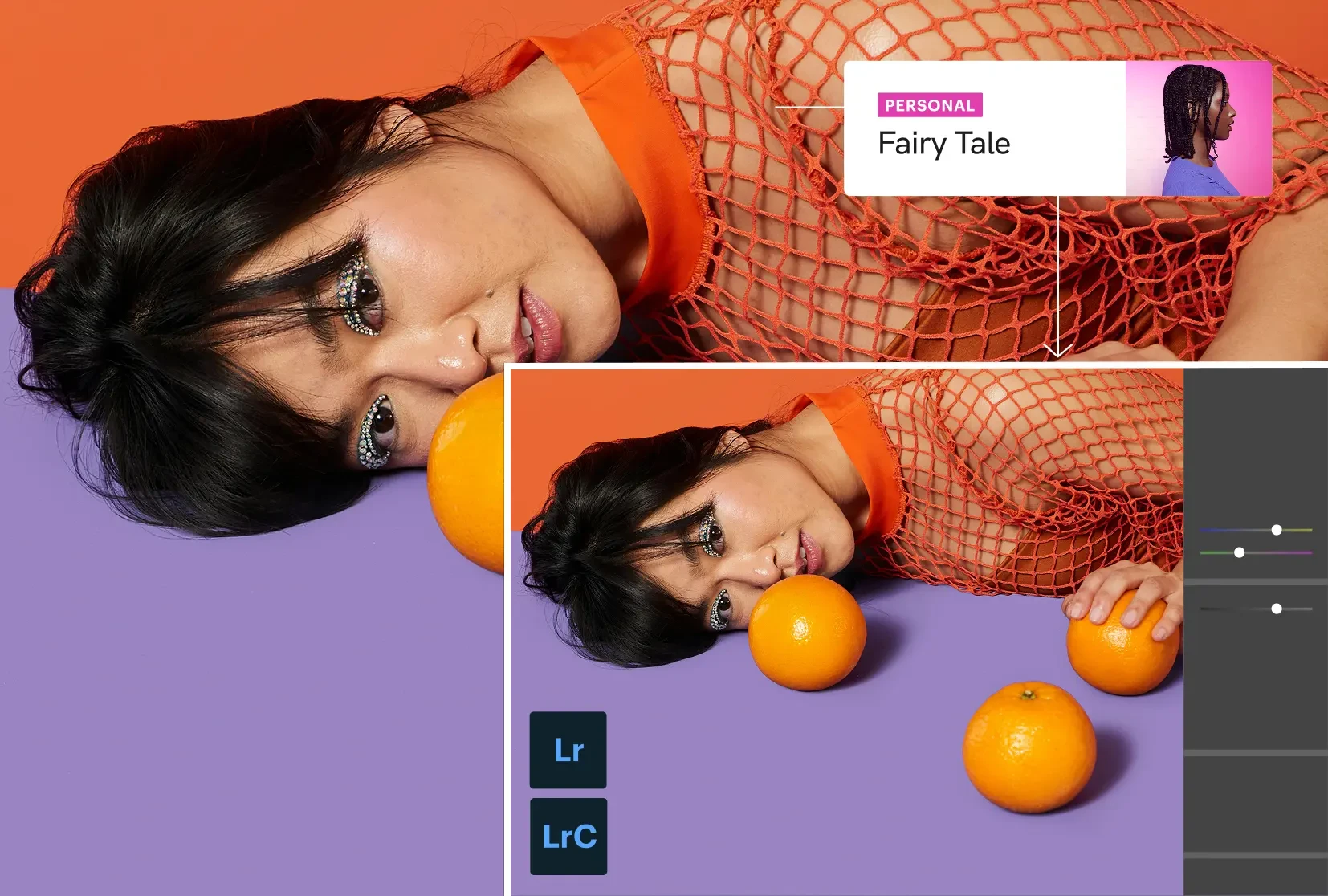
Narrative integrates seamlessly with Lightroom, so you can export selects directly into Lightroom. Apply multiple presets automatically on import to ensure consistency while reducing repetitive editing steps.
$8,160
and 28.8 work days
% time saved culling and editing with Narrative
80%
Value of time saved by using Narrative per year
$8,640
Cost of annual Premium subscription
$480
Total saved
$8,160
3.9k followers
"Narrative has completely changed the way I cull and edit! It’s so intuitive and fast!"
Sydney Rae
Narrative is fast, AI-assisted culling and editing software specifically designed for photographers. It’s considered the best culling and editing solution for high-volume photographers who care deeply about their work, but also want to save time and focus on the things that matter most.
Narrative’s AI is assisted, meaning you stay in control of the final decisions, while the AI handles the heavy lifting. Unlike fully automated tools, you can trust the selections because they’re made by you. That means no more second-guessing or going back to check what the AI might have missed.
Narrative also includes powerful features like Scenes View to easily see how your shoot unfolded, the Close-ups Panel to help spot the best expressions fast, and blazing-fast performance that makes working through even large galleries feel effortless. When you're done, you can ship your selects straight into your favorite editing software, like Lightroom, to keep your workflow seamless.
Narrative takes on the repetitive part of your workflow, the sorting, assessing, and ranking, so your energy goes back into the decisions only you can make.
As photographers ourselves, we built it that way on purpose: AI that clears the path, not one that makes the call. You can see the full list of culling features here.
Start with a free trial, no credit card required.
Culling is the process of going through all the images from a shoot and choosing the best ones (the ones you want to edit). By culling, you will get rid of duplicates and objectively bad images and you will save yourself time when it comes to editing.
Culling with a dedicated image selection tool (like Narrative) is very different to culling within your editing program. Narrative is lightning-fast, AI-powered and purpose-built to help you identify and eliminate images that you won’t want to edit.
Any professional photographer who shoots high volumes of images (especially if those images are of people) will benefit from having a dedicated image selection tool.
We have built industry leading AI that detects faces and assesses images.
Our assessments include:
Focus assessments to tell you how well your subject is in focus
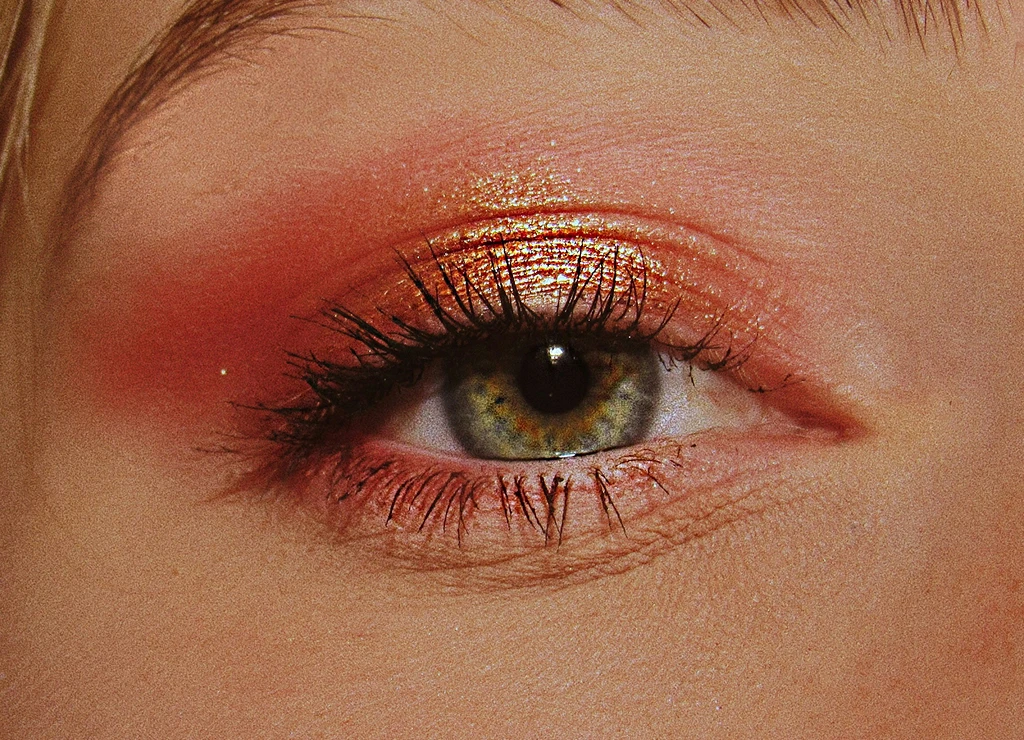
Eye assessments that gives you information about when your subjects eyes are closed (blinking, kissing, looking down, etc)
Image assessments to let you know if we think there are other images within a scene that may be better than this one
Our approach is to build AI that empowers you by augmenting your already existing skill set. We don’t think of AI as some magical phenomena that can do your job for you.
We believe that tools using AI can help you to be more efficient and more accurate, but AI should not replace your ability to interpret whether a moment you have captured in a photograph is one worth sharing and celebrating.
Using Narrative, there are no wait times to import or navigate through your photoshoots. You can import thousands of RAWs in seconds.
There are no low res images, no loading bars and thumbnails load immediately. This makes it incredibly fast to flick through your images.
Our image assessments allow you to quickly identify potential picks from your shoot. Filtering by Potential Picks means you only need to look through half of your images to pick a great selection.
Narrative is built from the ground up to save you as much time as possible.
You can use Narrative on both macOS and Windows. View the full systems requirements here.
Narrative supports the following image formats: CR2, CRW, CR3, NEF, NRW, RAF, DNG, RAW, RWL, ARW, RW2, ORF, PEF, FFF, 3FR, JPG, HEIC, HEIF.
Narrative supports one click import to edit your shoot in Lightroom Classic (mac and windows) as well as Lightroom CC, Photoshop and Capture One on mac.
Editing with Narrative will modernize your workflow as a professional photographer. There’s no risk in trying Narrative, as you get unlimited editing in your Narrative Ultra trial, and then can decide which unlimited editing plan is right for you.
As photographers ourselves, we are obsessive about creating technology that helps you, so you can spend more time doing what you love.
In Narrative there are a few different AI Presets that you can use, they are;
Personal AI Presets
This is an AI Preset trained on your edited images (at least 1500 images of your choice), you can have as many Personal AI Presets as you like but they must be of images sets that are consistently edited. Your Personal AI Presets will improve over time as you use them and make additional edits in Lightroom.
Artist AI Presets
These are AI Presets created by influential Photographers that you can use without the need to train. These are readily available as you'd like to use them, and we will be adding even more AI Presets from influential and respected Photographers over time.
Core AI Presets
Another AI Preset option is our Core AI Presets, which now include over six styles designed to suit a range of editing preferences.
Yes! You can apply AI Presets without a connection to the internet, however you will need an internet connection to train your Personal AI Preset in advance.
No problem, head over to our Support Centre for more detailed help or reach out to our expert team for more assistance.