AI editing in your style.
1-click to Lightroom.
Narrative handles the heavy lifting, leaving you to do what you do best, adding
your signature touch. Your AI Preset – Consistent. Beautiful. Instant.
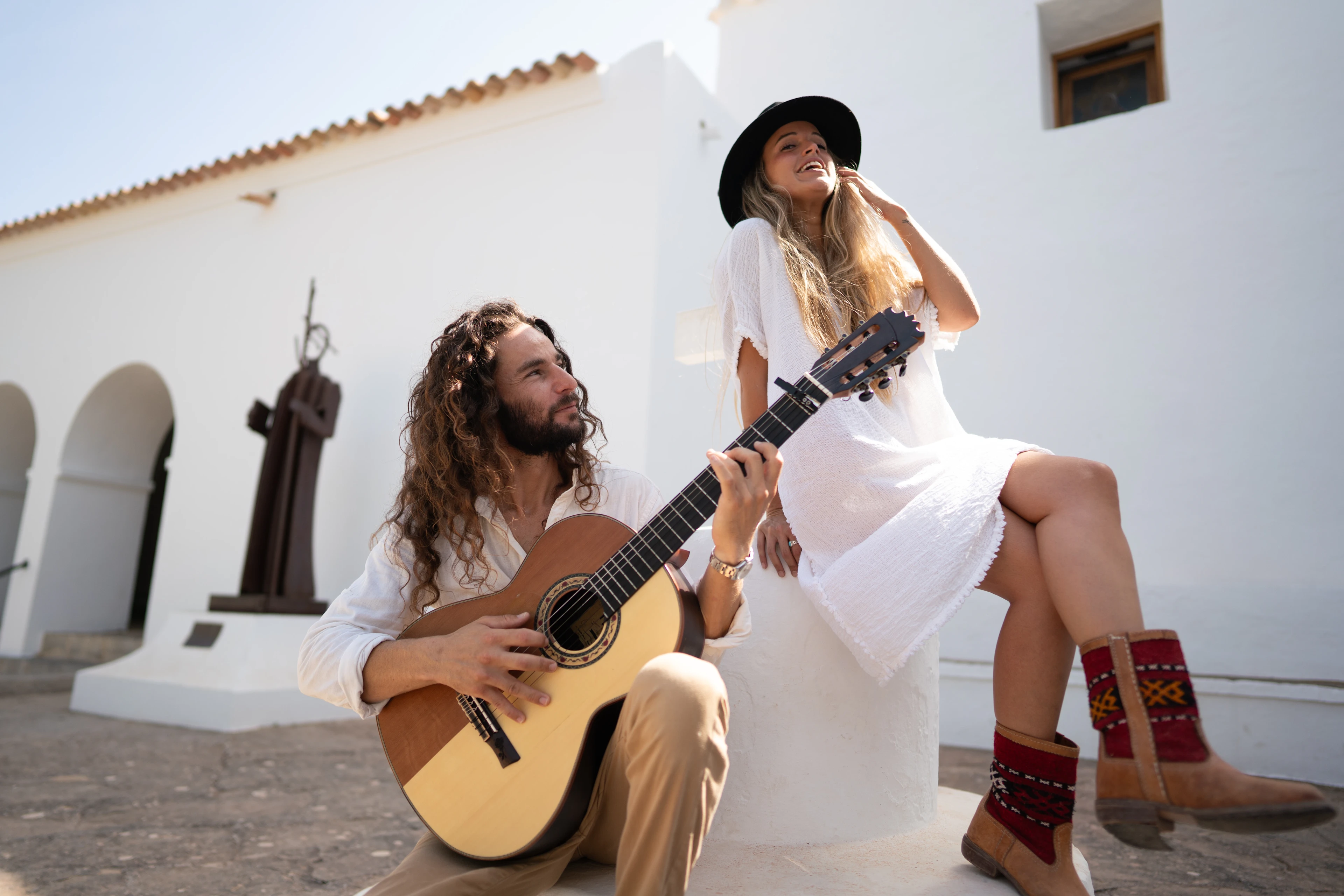
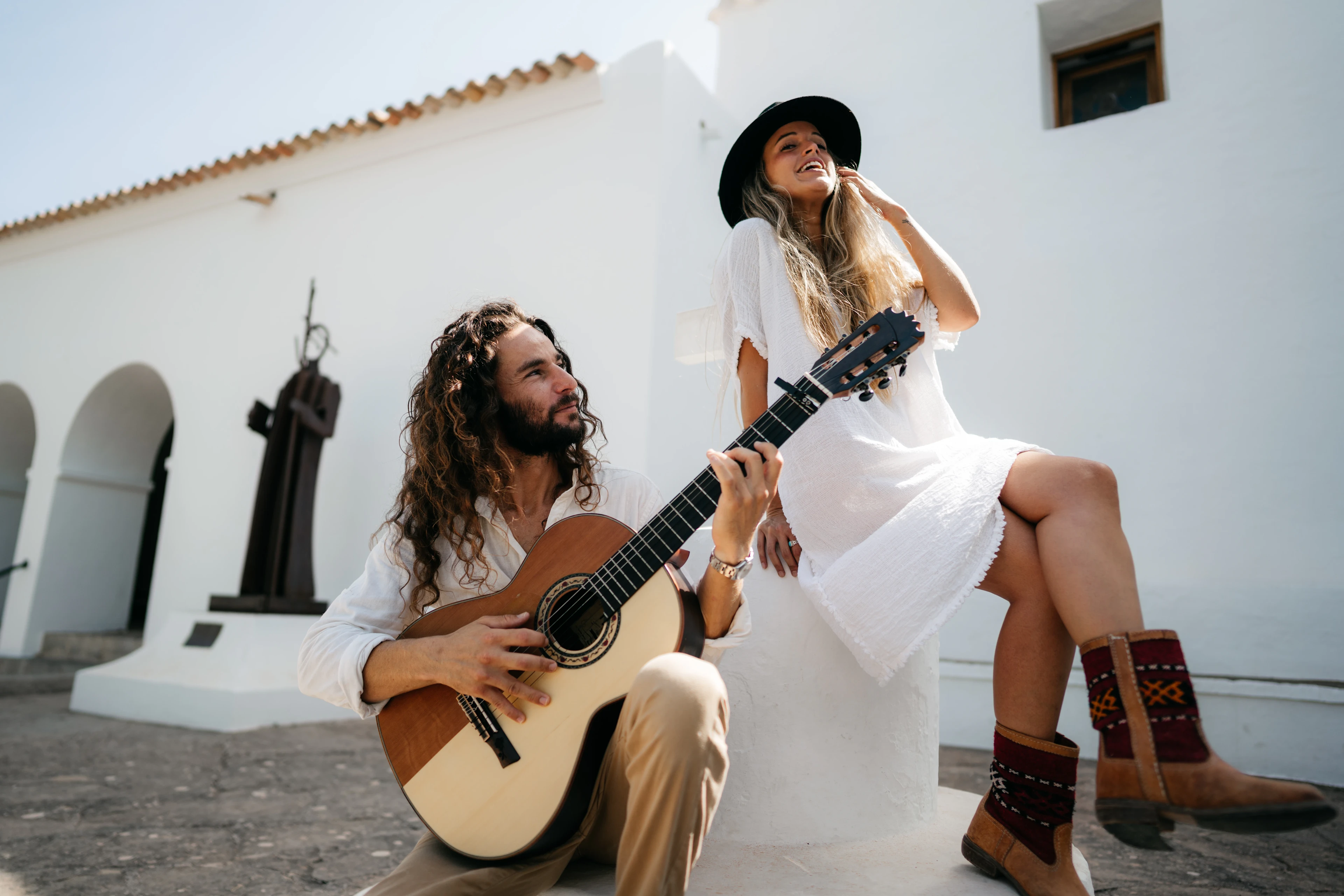
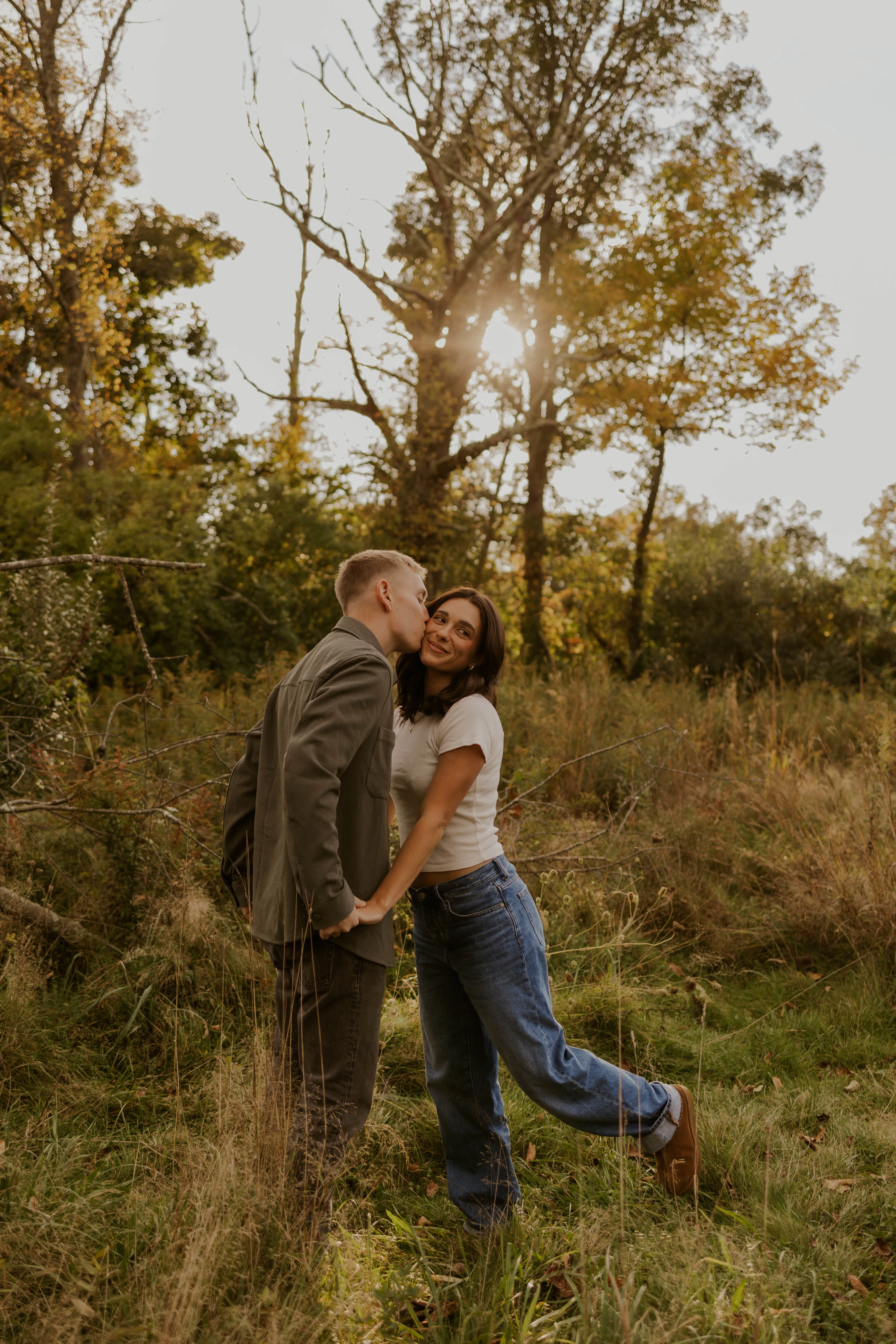
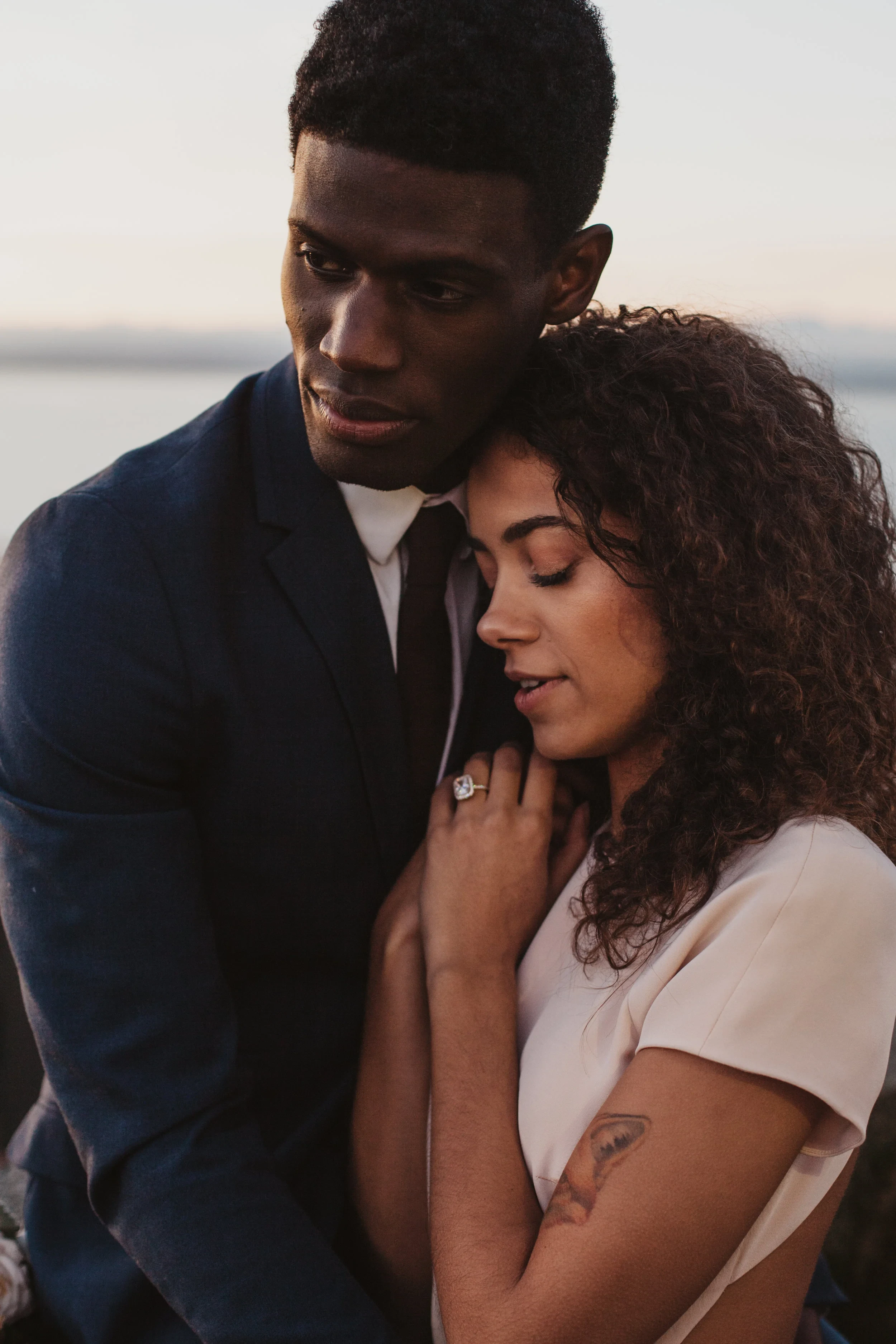
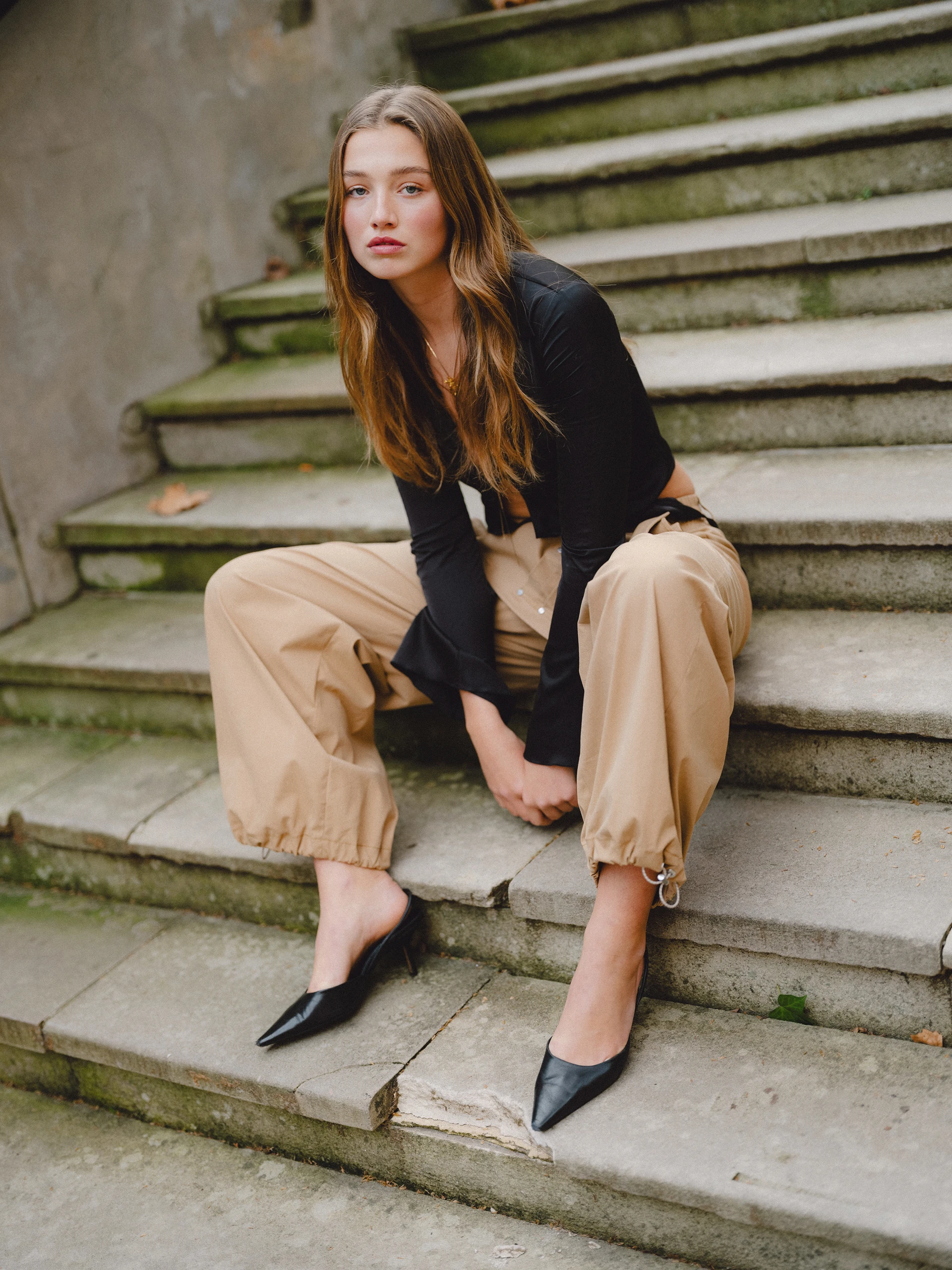
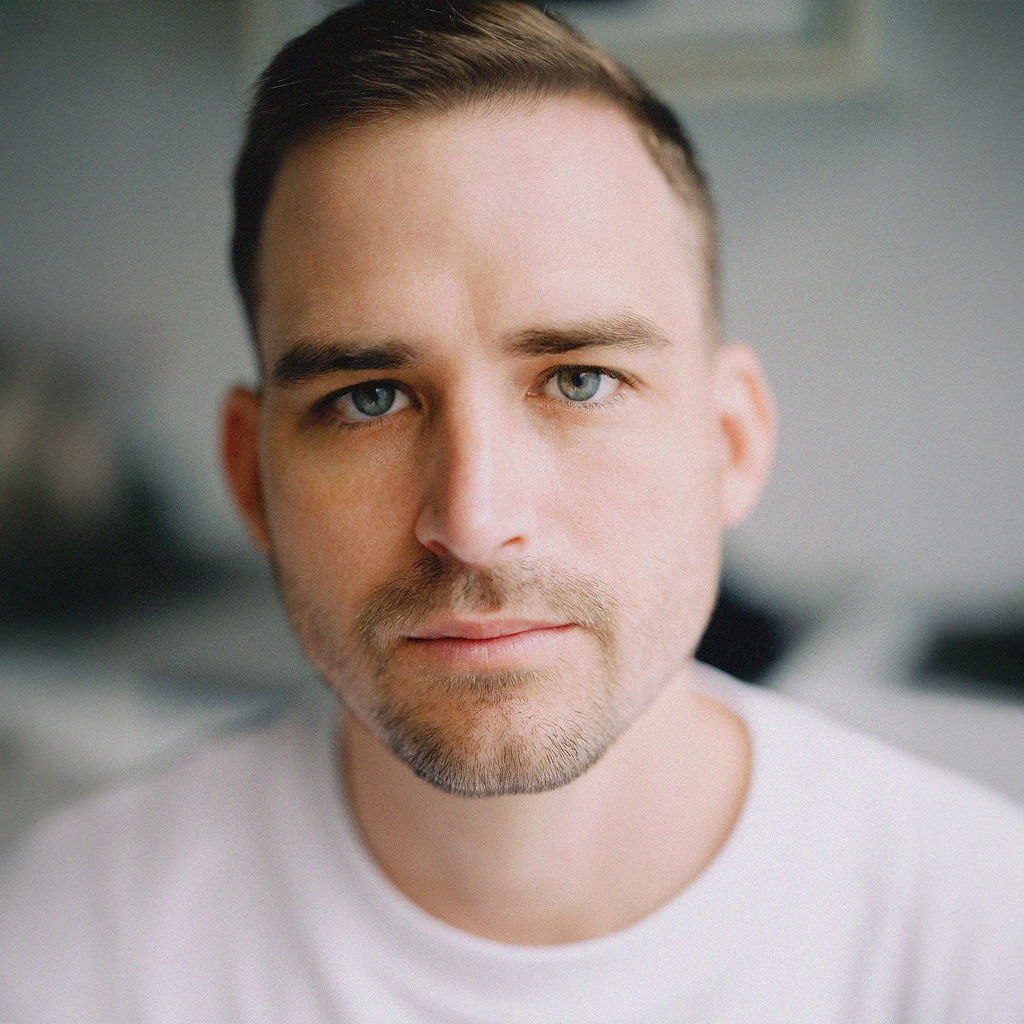
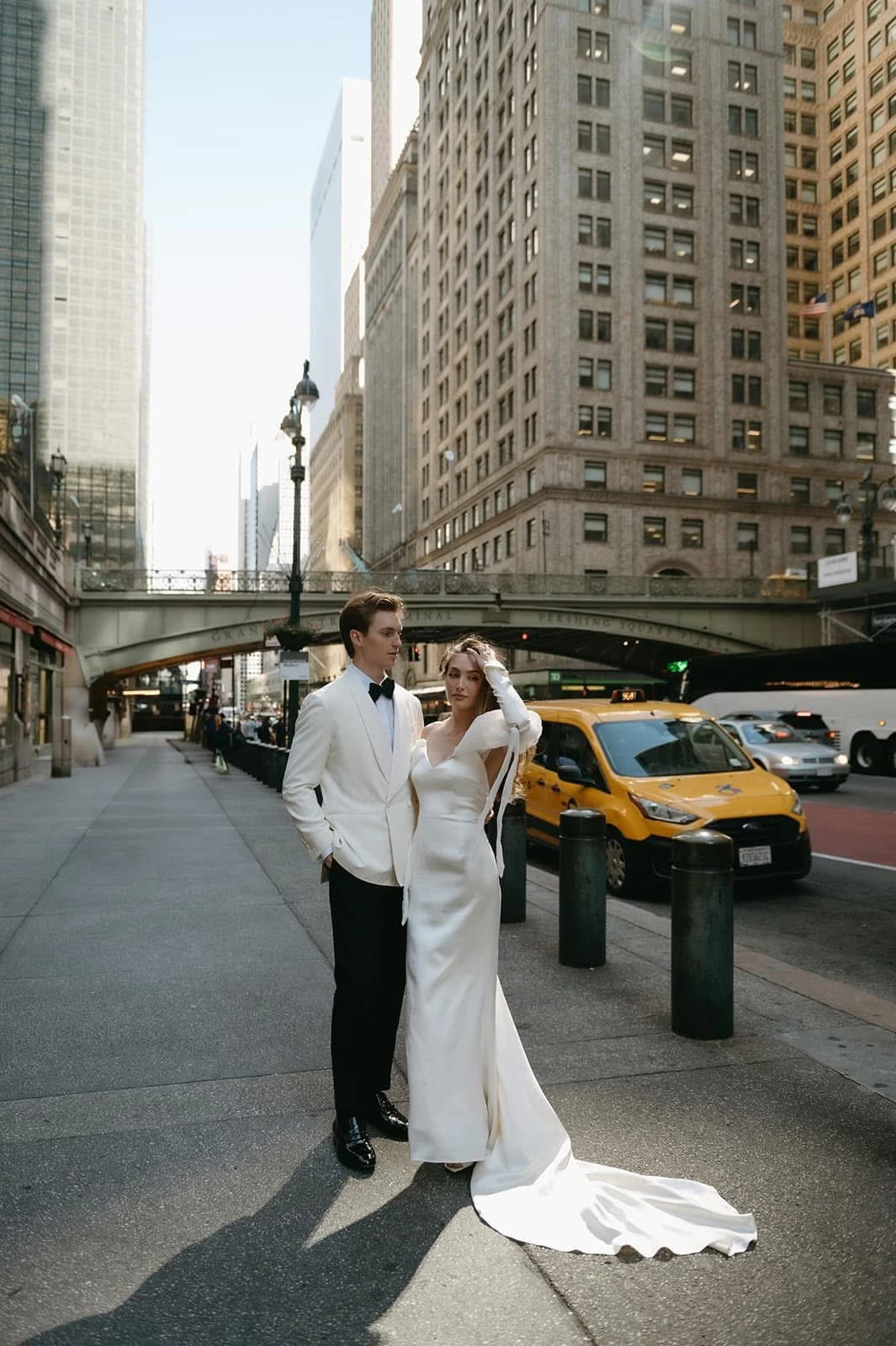
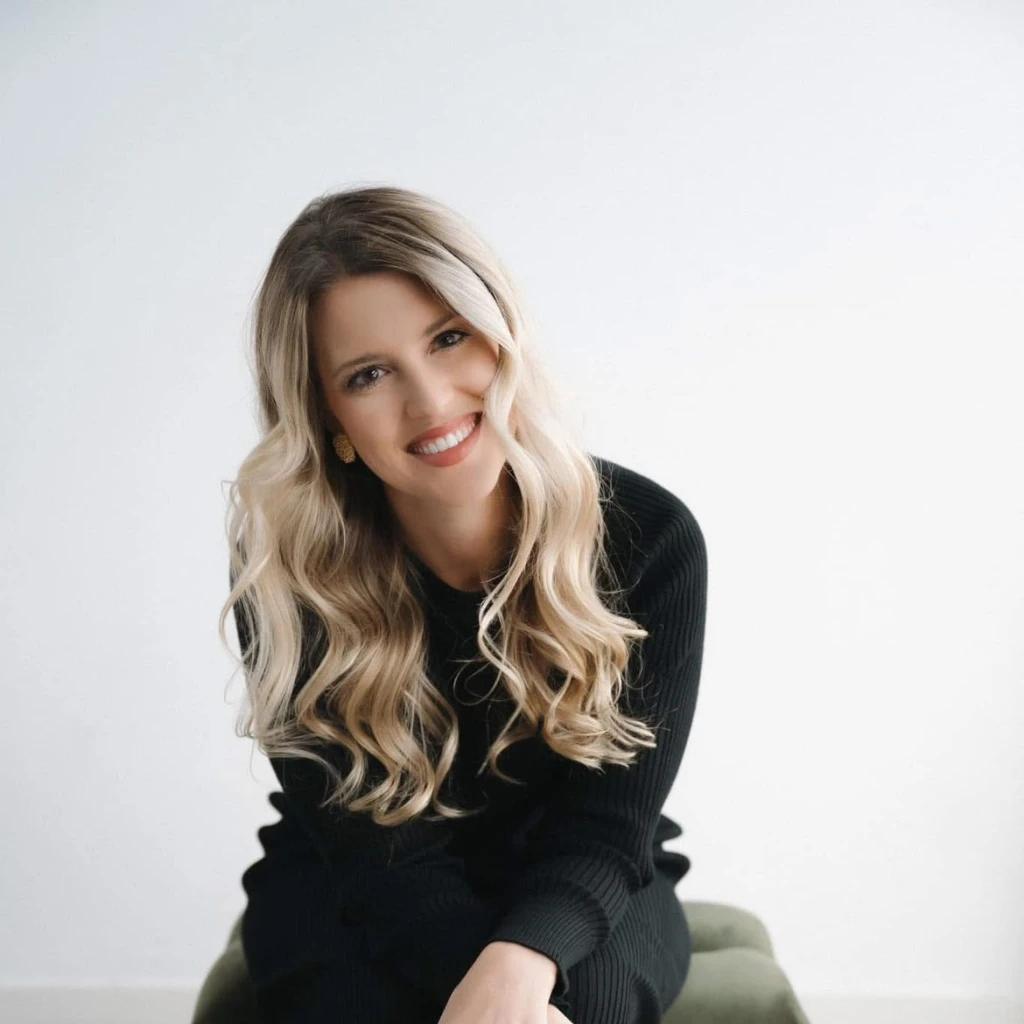
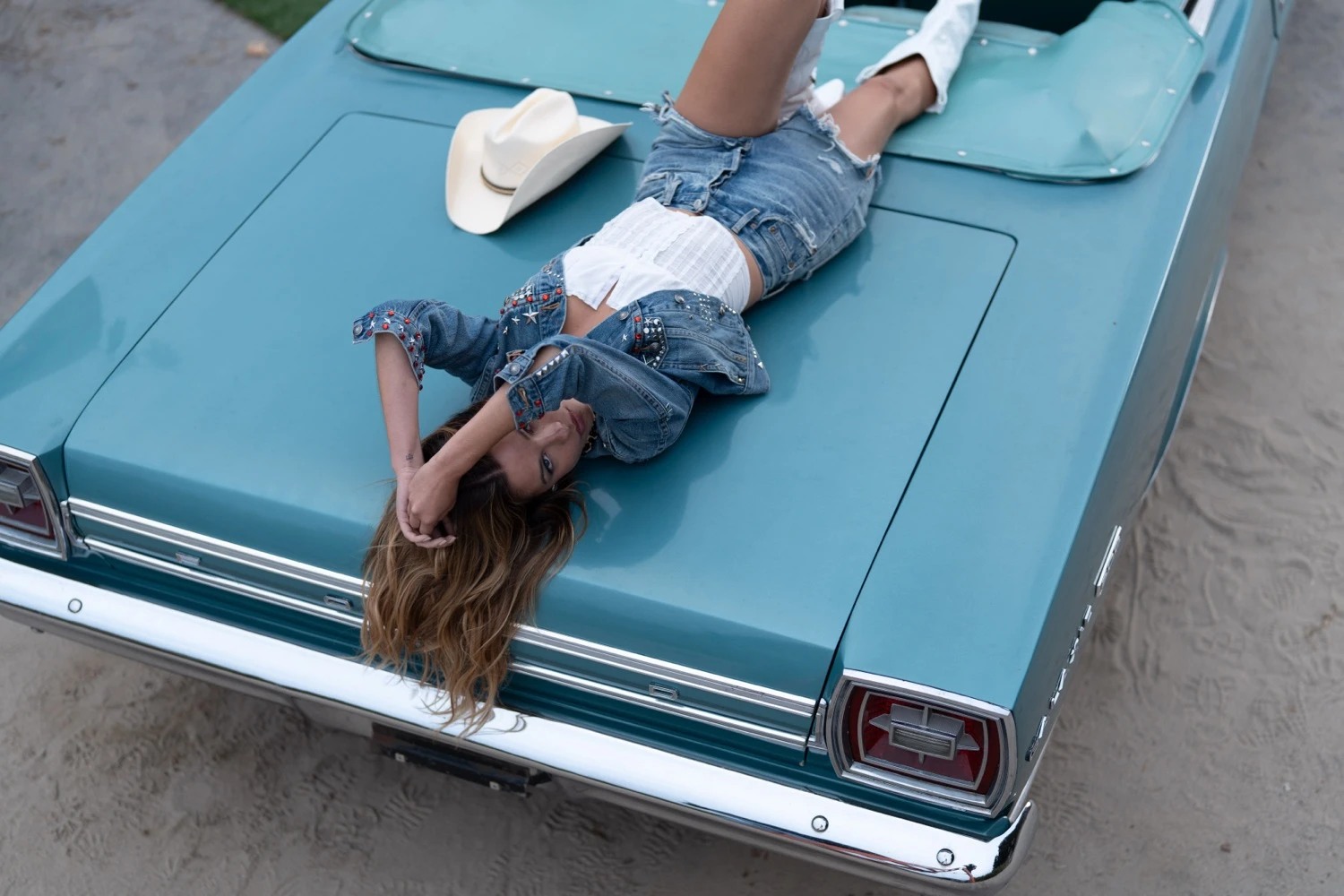
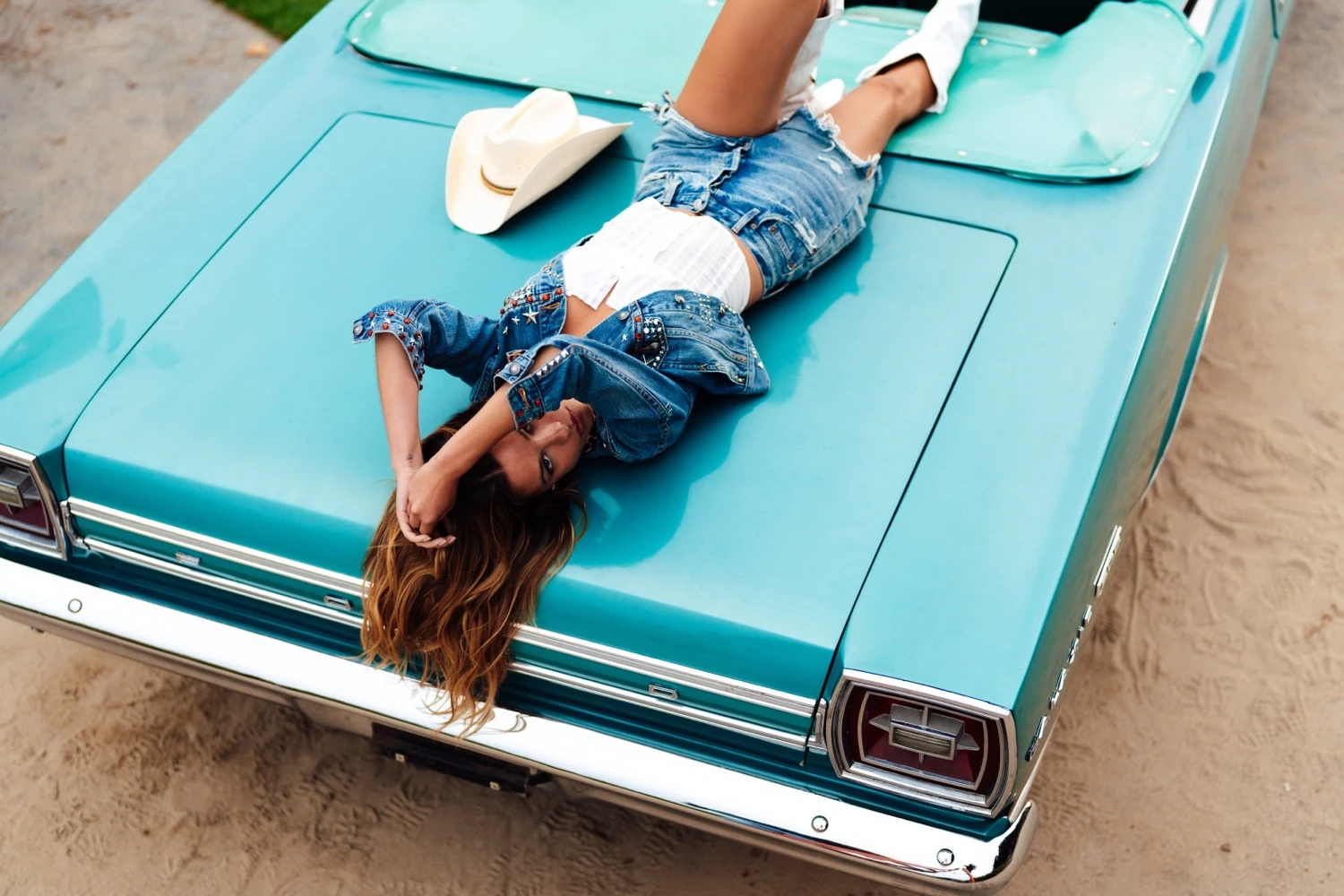
Edited
Original
Share Your Work & Win Prizes - Narrative International Photography Awards 2026
Narrative handles the heavy lifting, leaving you to do what you do best, adding
your signature touch. Your AI Preset – Consistent. Beautiful. Instant.
Still grinding through your editing manually? Narrative users report saving 80% of their editing time by using an AI Preset, allowing them to reinvest that time in places that matter.
Train your unique AI Preset by uploading only 1,500 of your edited images to our secure servers. Your personalized style will be exclusively yours to use.
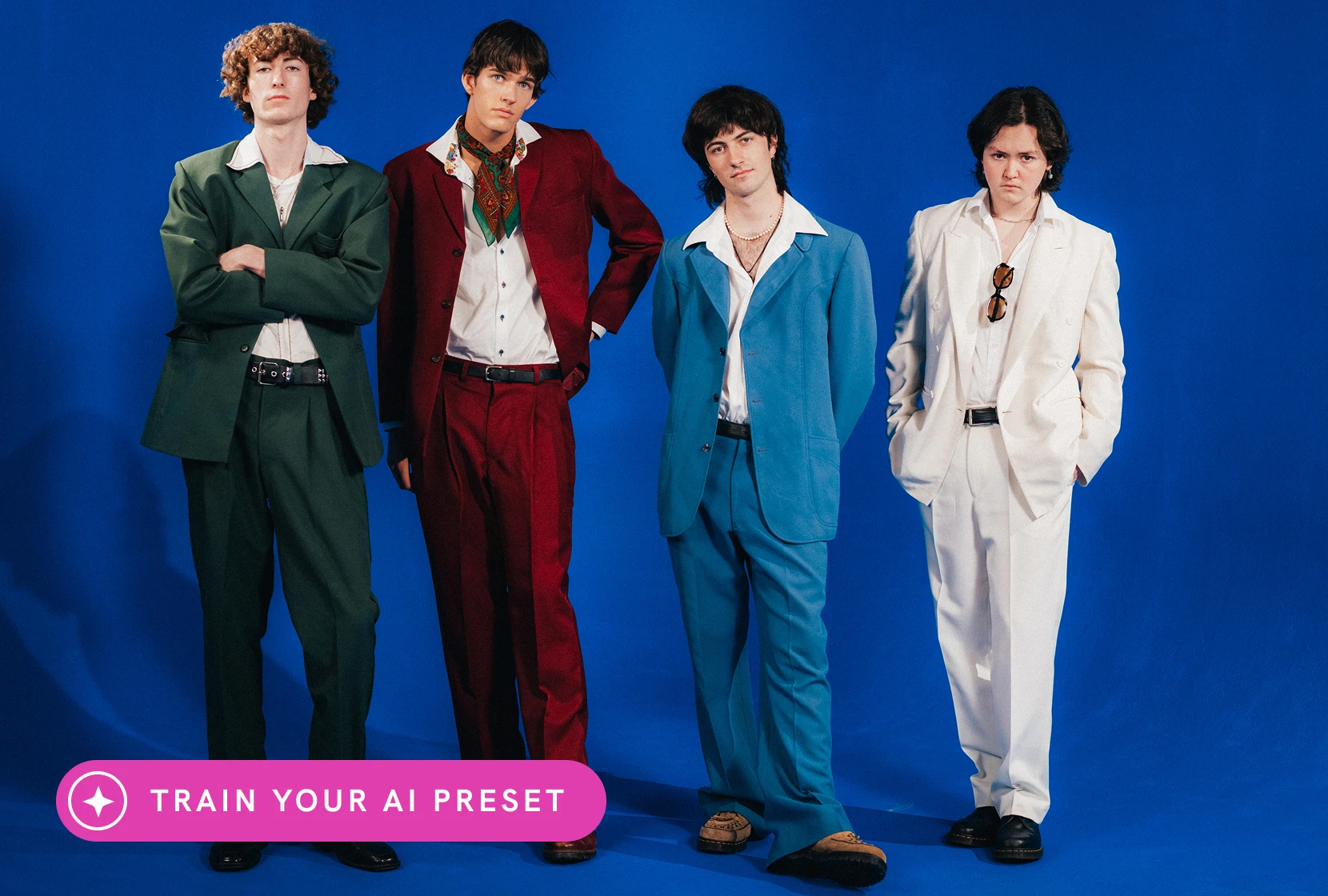
After culling in Narrative, apply AI Presets in one step. Edit offline with fast, consistent results applied directly in Lightroom - no uploads required.
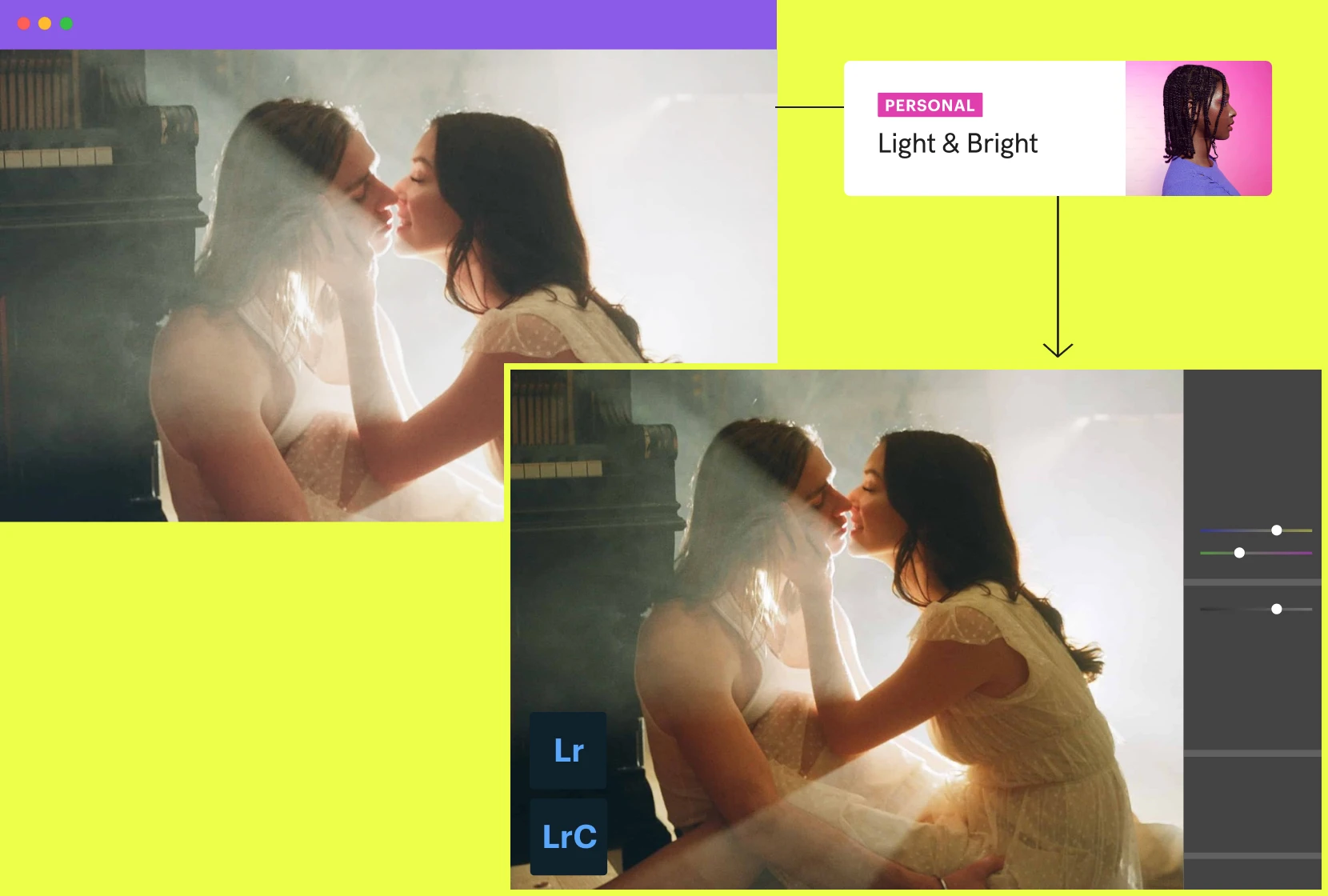
See your photos come to life in Lightroom with multiple editing styles. Compare variations and choose the best look - no re-exporting or second-guessing.
Your AI Preset learns and improves every time you tweak and export images in Lightroom.
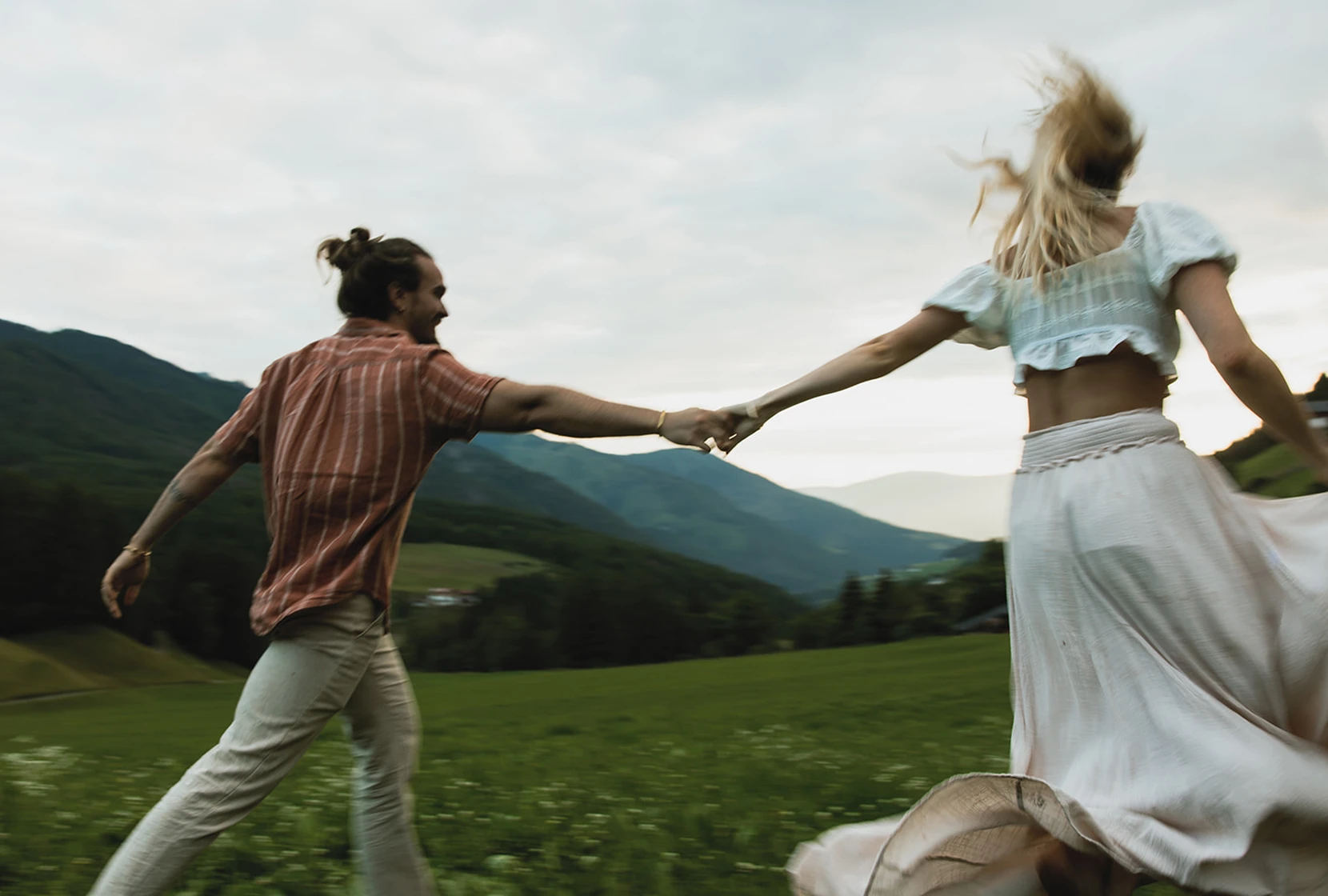
Narrative’s AI Presets automatically level images.
Perfect skin tones, consistently applied across a range of subjects and lighting.
Eliminate the grind of consistently matching white balance, contrast and more.
No cumbersome cloud uploads or back-and-forth between Lightroom.
Cull and apply your AI Preset, all in one app. Then, finish up in Lightroom.
Get unlimited editing with AI Presets from Narrative, or your very own personal AI preset.
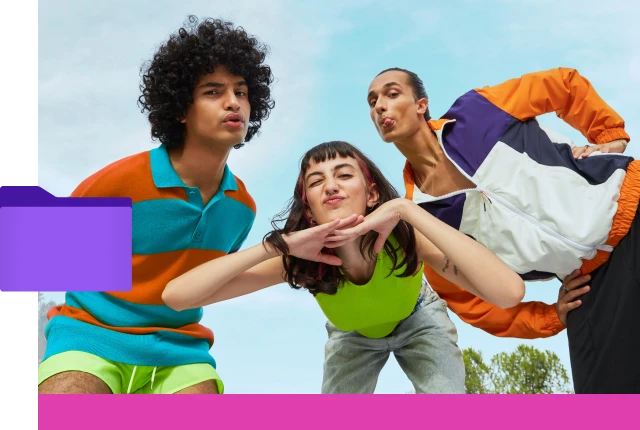
Import thousands of RAWs to Narrative and cull your shoot.
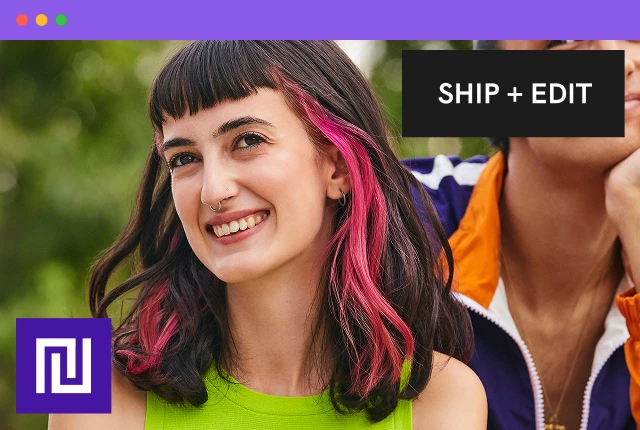
Apply your AI-Preset when Shipping to Lightroom from Narrative.
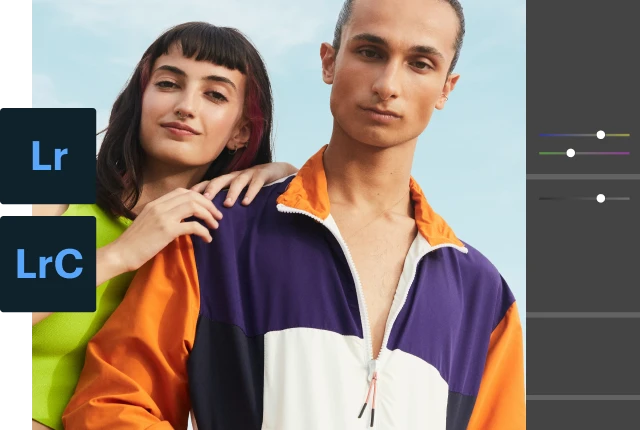
Your images are edited and show in Lightroom in minutes.
3.9k followers
"Narrative has completely changed the way I cull and edit! It’s so intuitive and fast!"
Sydney Rae
images imported per year
countries our users call home
saved per year by the average user
of users recommend Narrative after trying it
Develop and refine your own AI Preset or use one from some of the most sought after artists in the world.
Because editing should start from your style, not from zero. Narrative applies an AI Preset as you ship to Lightroom, so your selects arrive with white balance, exposure and skin tones already done. Users with an AI Preset report saving 80% of their editing time.
As photographers ourselves, we are obsessive about creating technology that helps you, so you can spend more time doing what you love.
You get unlimited editing during your Ultra trial, so you can test it on a real shoot.
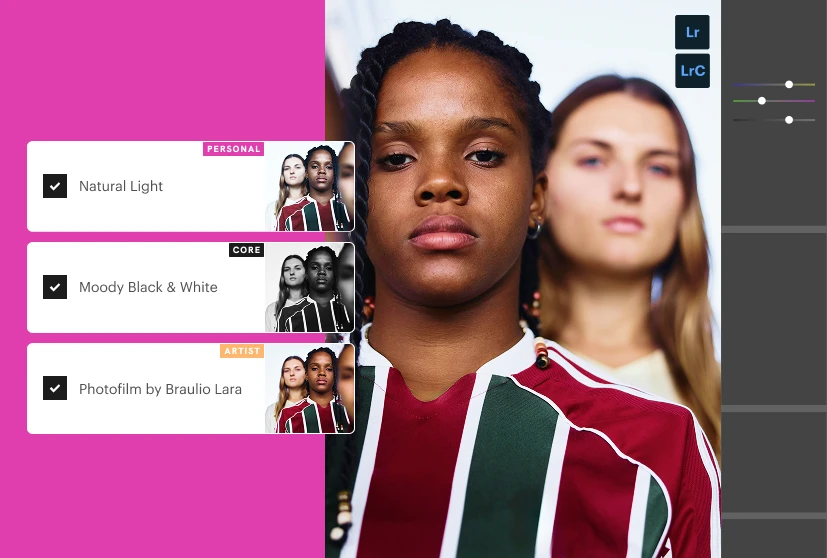
In Narrative there are a few different AI Presets that you can use, they are;
Personal AI Presets
This is an AI Preset trained on your edited images (at least 1500 images of your choice). Premium includes 1 colour and 1 black and white Personal AI Preset, and Ultra includes up to 5 of each. Each one must be trained on a set of consistently edited images. Your Personal AI Presets will improve over time as you use them and make additional edits in Lightroom.
Artist AI Presets
These are AI Presets created by influential Photographers that you can use without the need to train. These are readily available as you'd like to use them, and we will be adding even more AI Presets from influential and respected Photographers over time.
Core AI Presets
Another AI Preset option is our Core AI Presets, which now include over six styles designed to suit a range of editing preferences.
Unlimited AI editing starts on Standard at $20 a month, billed annually, with Core and Marketplace AI Presets. Personal AI Presets trained on your own edits come with Premium ($40) and Ultra ($60). Lite doesn't include editing. Every plan from Standard up includes unlimited editing, with no per-photo fees.
You can try everything, including Personal AI Presets, free in your Ultra trial. See pricing.
When you've finished culling, click Ship + Edit and choose an AI Preset: one of your Personal AI Presets, an Artist AI Preset or a Core AI Preset. Narrative sends your selects to Lightroom Classic or Lightroom CC with the edits applied.
AI Preset edits need Lightroom Classic or Lightroom CC. Photoshop and Capture One receive your photos without AI Preset edits.
Yes. Narrative culls and assesses photos on your computer, so it works without internet once it's set up.
Before you go offline, sign in, let Narrative download everything it needs to run offline, and download any AI Presets you want to use. You can then work offline for up to 30 days from your last sign-in. Training a Personal AI Preset needs a connection.
No problem, head over to our Support Centre for more detailed help or reach out to our expert team for more assistance.