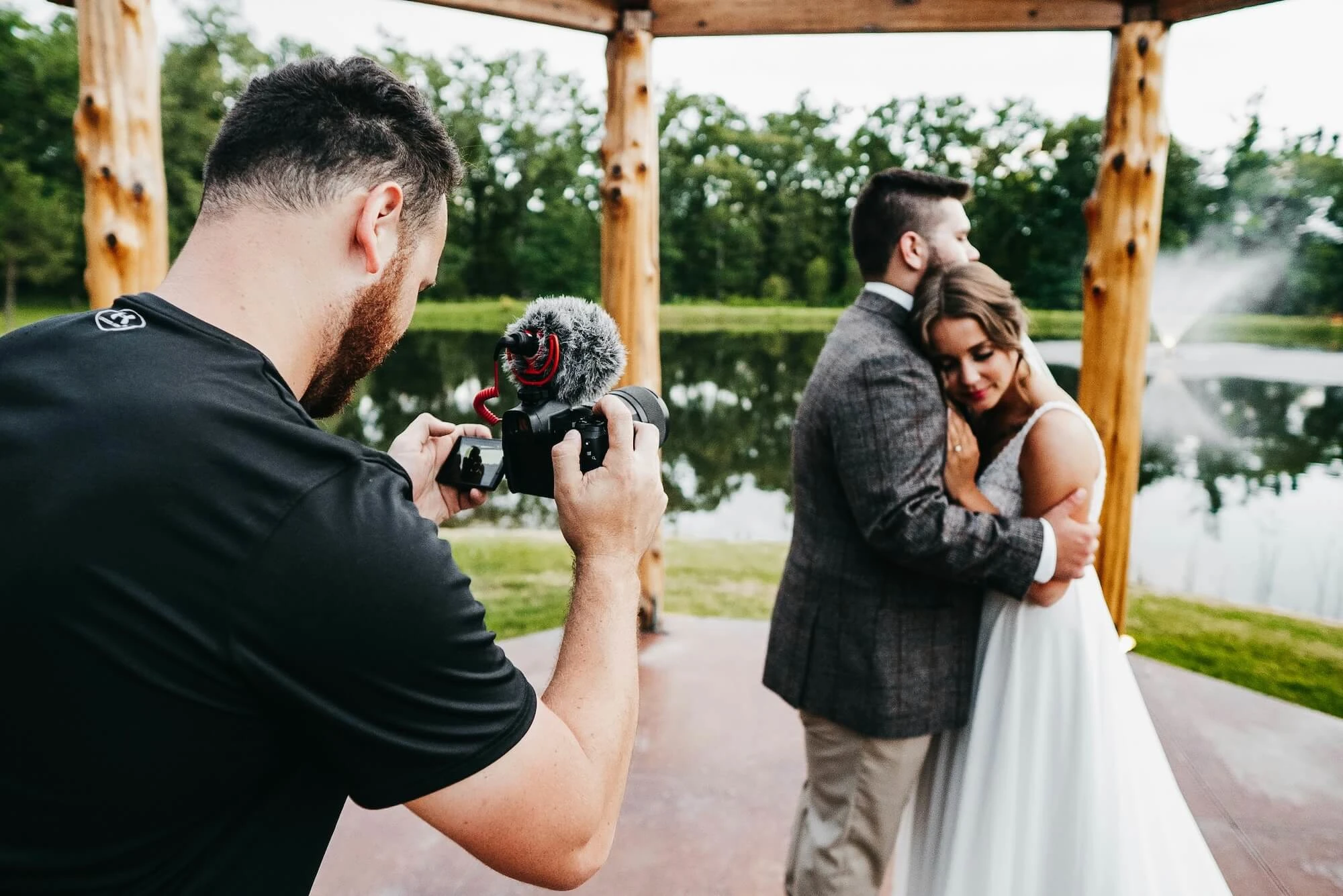
Cull, Edit, Review, Deliver: A Smarter Workflow for Modern Photographers

Peakto Created by CYME
Wednesday, August 5, 2026
Guest post from cyme.io
-
Every strong photography workflow starts with selection.
Culling is the moment when a large shoot becomes a focused body of work. It helps photographers make better decisions, move faster into editing, and create a stronger final gallery for their clients.
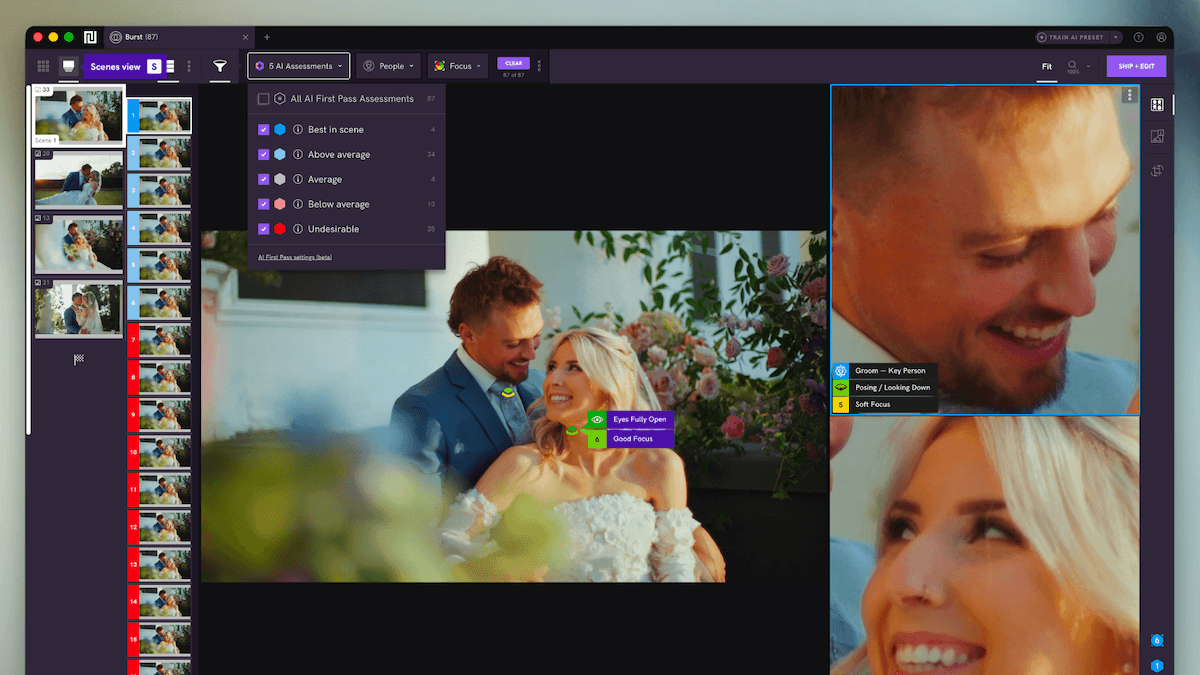
Narrative plays a key role at this stage by helping photographers select their best images faster with an AI-assisted photo culling and editing tools that handle the repetitive tasks.
Peakto complements this workflow by helping photographers manage what comes next: organizing selected images, collaborating around them, collecting feedback, validating choices, preparing delivery, and keeping the best assets easy to reuse later.
Together, Narrative and Peakto support a complete workflow: from first selection to reviewed, validated, delivered, and reusable media.
The challenge after culling
Culling creates the foundation for a strong project. Once the best images have been selected, photographers can move forward with more clarity and intention.
But the workflow does not stop there.
After culling, images still need to be edited, organized, shared, reviewed, validated, and prepared for delivery. This part of the process can quickly become fragmented, especially when photographers work across several tools and storage locations.
A typical workflow may involve editing in Lightroom or Capture One, storing files in folders, drives, or NAS systems, sending previews to clients, collecting feedback by email or messages, and preparing final exports for delivery.
Each step makes sense on its own. But when they are not connected, the process can become harder to manage.
Selected images may live in one place. Client feedback may arrive somewhere else. Final exports may be stored in another folder. And later, when the photographer needs to find a specific image for a portfolio, a social post, or a client example, the search can take longer than expected.
That is where a more connected workflow can help.
The goal is not to change how photographers work. It is to make the path from selection to delivery clearer, smoother, and easier to manage.
A simple workflow: cull, edit, review, validate, deliver
In practice, this can look like:
Import the shoot and make the first pass in Narrative, cutting volume and surfacing the strongest images with a clear direction for editing.
Edit the selects in Lightroom, Capture One, or whatever tool fits the job.
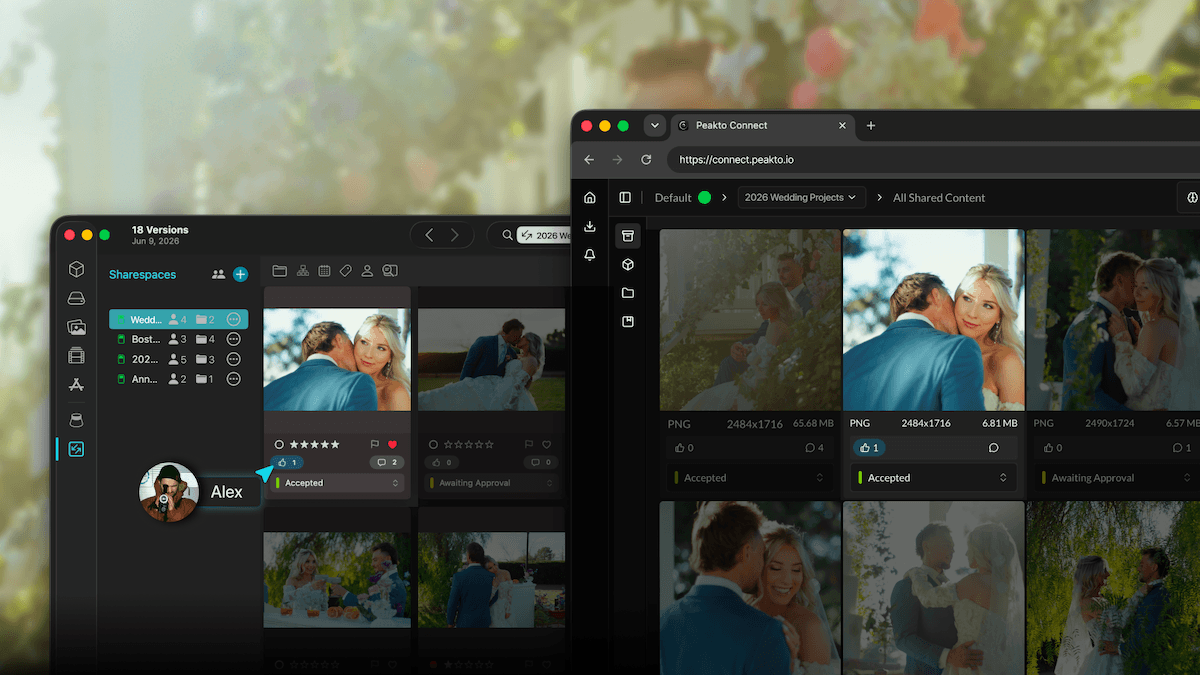
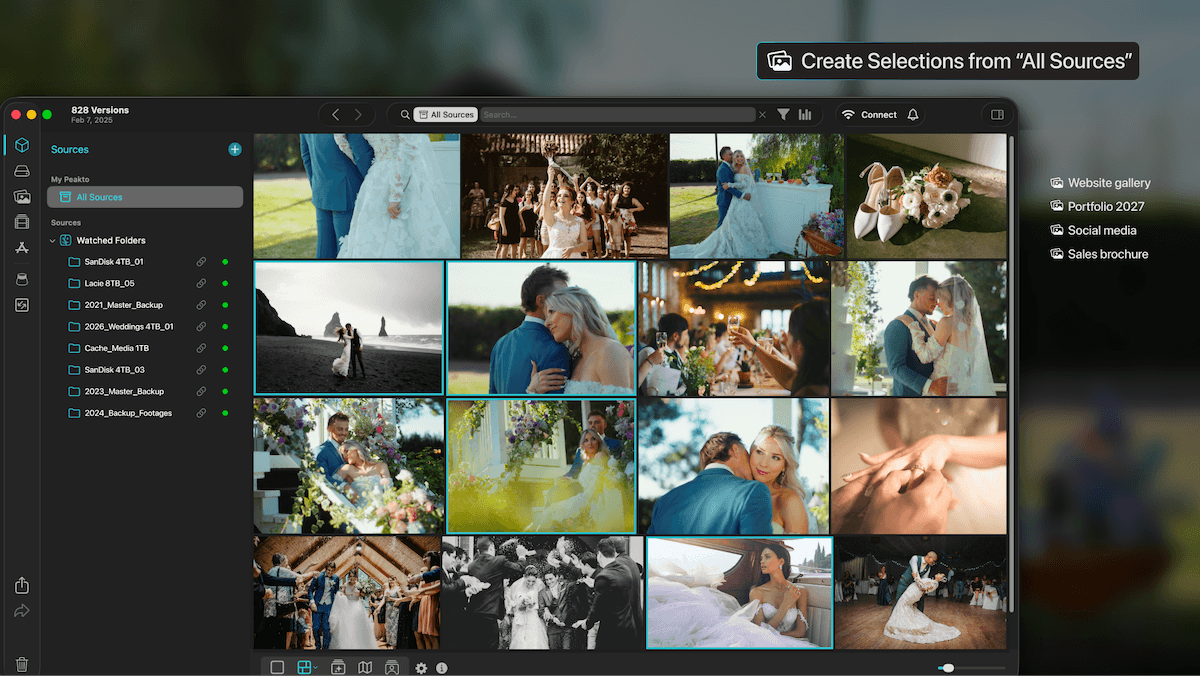
Once images are ready for review, use Peakto to organize the selected work into collections, share it with clients or collaborators, collect feedback, and manage validation ahead of final delivery.
This creates a natural sequence:
Cull → Edit → Review → Validate → Deliver → Reuse
Each tool keeps its role.
Narrative helps photographers make the selection faster, with confidence and creative control.
Lightroom or Capture One helps them edit and finalize their images.
Peakto helps them organize, review, validate, deliver, and keep the best assets easy to find later.
This kind of workflow is especially useful because it does not ask photographers to start from scratch or abandon the tools they already use. It helps connect the different stages of the process, from the first selection to the final delivery.
Focus use case: wedding photographers and content-heavy creators
Wedding photographers often work project by project.
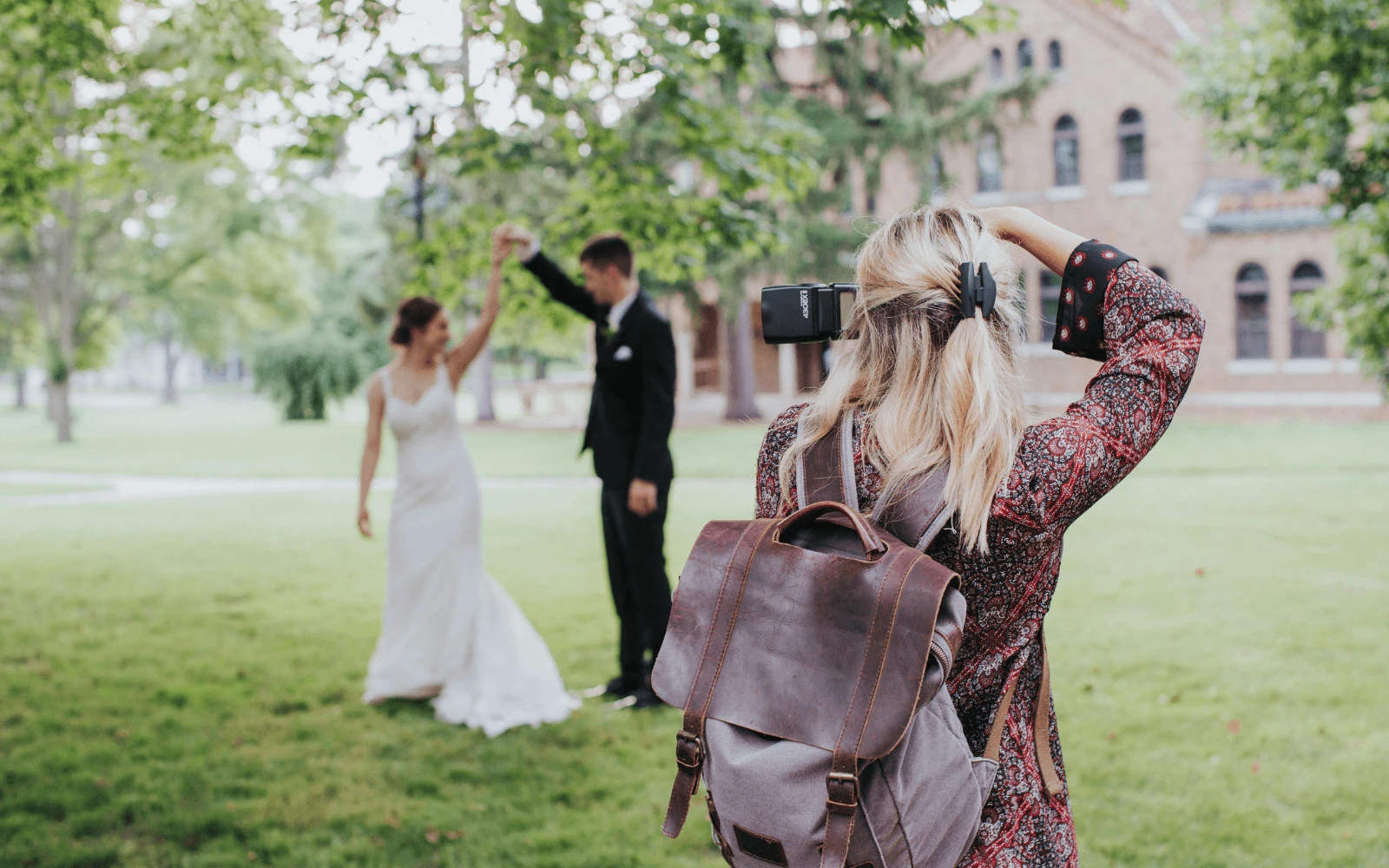
After a wedding, the priority is clear: sort the images, select the best ones, edit efficiently, manage any review or validation steps, deliver the gallery, and move on to the next project.
They do not necessarily want to spend more time managing archives. And they may not reopen old projects every day.
But their past work still has value.
A wedding photographer may need to find selected images later to update a portfolio, publish on Instagram, create a reel, show a specific style or location to a future client, prepare a blog post, or build a marketing campaign.
For photographers who also work with video, past projects may also contain useful b-roll, short clips, or behind-the-scenes content that can be reused for social media or client communication.
The need is not limited to wedding photography.
Portrait photographers, event photographers, family photographers, commercial photographers, and hybrid photo/video creators often face the same challenge. They work on projects, deliver them, and move on. But the best images and video assets may become useful again later.
The challenge is finding them quickly when they are needed.
For these creators, a smoother workflow is not about becoming more “archive-focused.” It is about making selected and delivered work easier to review, validate, deliver, and reuse when it matters.
From selected images to reusable media
A photography workflow doesn't end at culling, and it doesn't end at delivery either.
Culling turns a shoot into a focused selection. Review and validation carry that selection to delivery. After that, the strongest assets keep earning their place in a photographer's marketing, client communication, and future creative work.
Together, Narrative and Peakto help photographers move from raw shoots to selected, reviewed, validated, delivered, and reusable media — without changing the way they already like to work.
Narrative supports one of the most important decisions in the process: selecting the right images that reflect your creative vision.
Peakto helps carry that selection through the next steps: organizing, collaborating, validating, delivering, and finding the best media again when it can serve a new purpose.
For photographers working with more projects, more images, and more video than ever, this connected workflow can make a real difference.
It helps them move faster today, deliver with more clarity, and get more value from the work they have already created.
💜 If you're ready to spend less time sorting through thousands of images and more time crafting the story, try Narrative with free trial.
💚 Pair your selection with Peakto’s smart AI organization. Start your free trial and keep your media working for you long after delivery.
Peakto
Created by CYME